
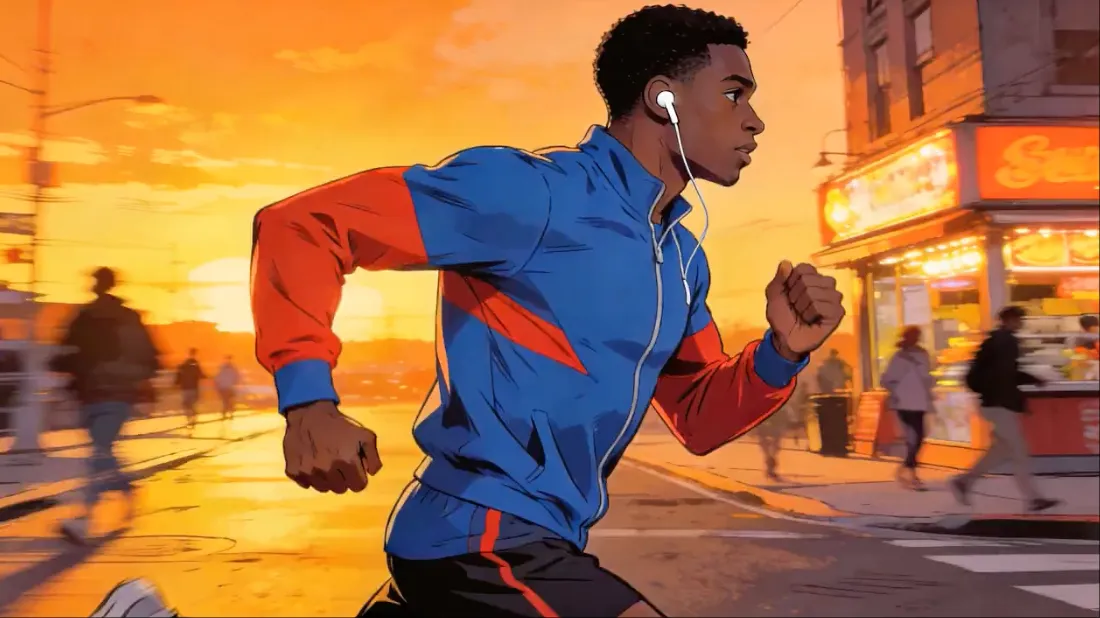
Artificial Intelligence is transforming the creative industry. From generating images to writing content, AI tools are now capable of producing high-quality videos automatically. One of the newest and most interesting tools in this field is Seedance 2.0.
Seedance 2.0 is an advanced AI video generation platform that allows users to create dance videos, cinematic scenes, and short movie clips simply by writing text prompts. Instead of using complex animation software or hiring professional editors, creators can now produce impressive video clips within seconds.
This tool has become popular among content creators, YouTubers, social media influencers, and AI enthusiasts because it simplifies the process of making engaging visual content.
In this detailed guide, we will explore everything about Seedance 2.0 including:
- What Seedance 2.0 is
- How it works
- Key features
- Example prompts
- Use cases
- Advantages and limitations
- Tips for creating better AI videos
What is Seedance 2.0?
Seedance 2.0 is an AI-powered video creation tool that generates animated videos from written prompts.
Users simply describe the scene they want, and the AI automatically creates a short animated video clip that matches the description.
For example, you can type:
“A cyberpunk dancer performing under neon lights in a futuristic city.”
Within seconds, Seedance generates a video showing a dancer performing in a neon-lit cyberpunk environment.
This technology works using advanced generative AI models trained on motion data, video patterns, lighting styles, and cinematic effects. The AI interprets text prompts and transforms them into animated visual sequences.
The result is a short cinematic clip that looks like a scene from a movie or music video.
How Seedance 2.0 Works
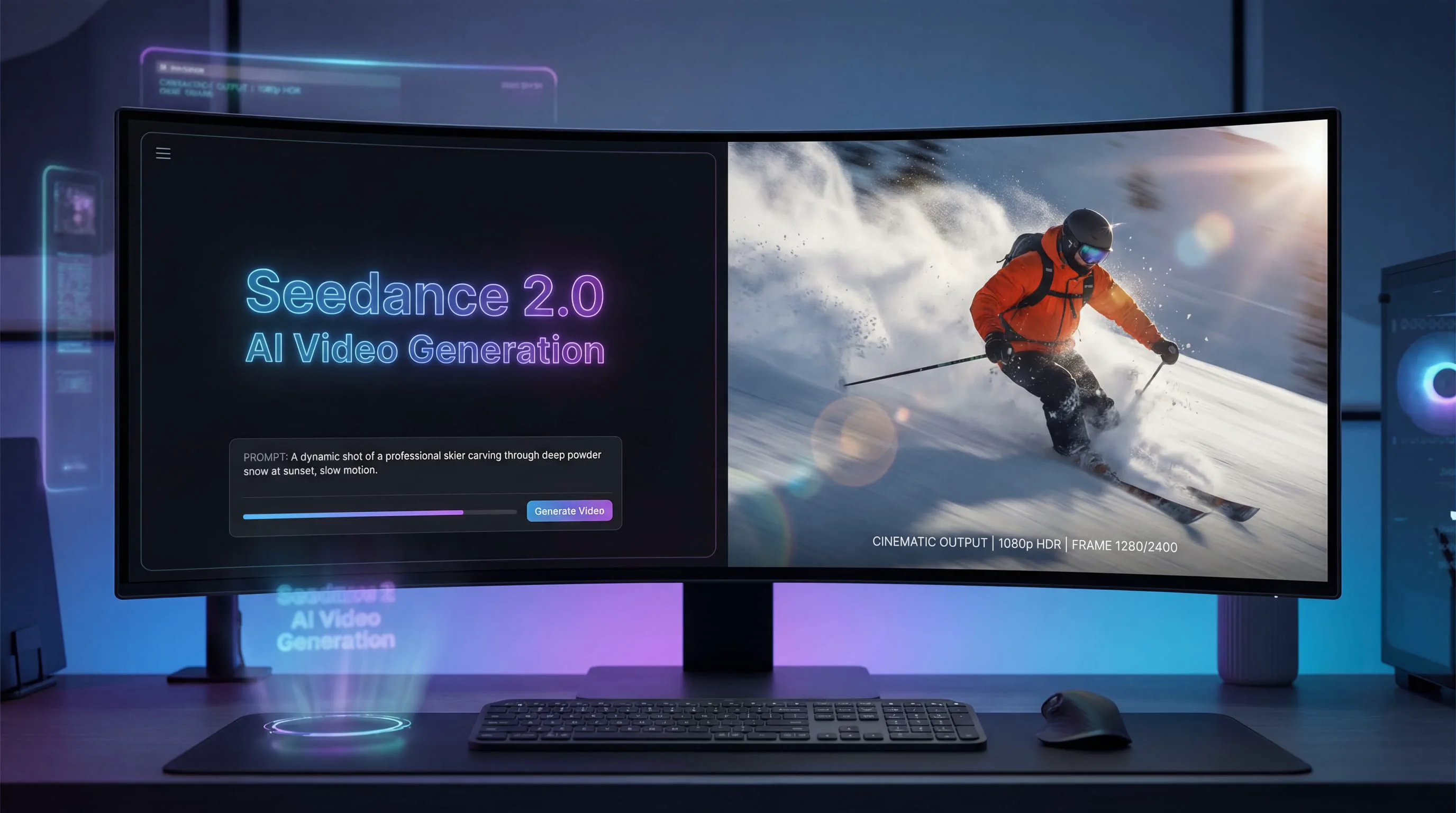

The process of generating videos in Seedance 2.0 is simple and beginner-friendly.
Step 1 – Write a Prompt
Users start by writing a text description of the scene they want.
Example:
“A stylish girl dancing hip hop in a neon cyberpunk city with dramatic lighting and cinematic camera movement.”
Step 2 – AI Processes the Prompt
Seedance analyzes the text and understands elements such as:
- Characters
- Actions
- Environment
- Lighting
- Camera movement
- Style
The AI then constructs a motion-based animation sequence based on these instructions.
Step 3 – Video Generation
After processing the prompt, the platform generates a short animated video clip.
Most clips are between:
- 5 seconds
- 8 seconds
- 10 seconds
The final output looks like a mini movie scene or animated clip.
Key Features of Seedance 2.0
1. Text-to-Video Generation
The main feature of Seedance 2.0 is text-to-video creation.
Instead of manually animating characters, users simply write a description and the AI automatically generates the video.
This removes the need for:
- complex animation software
- professional video editing
- motion capture systems
2. AI Dance Video Creation
Seedance is especially known for its AI dance generation capabilities.
You can create dance videos such as:
- Hip hop dance
- Street dance
- K-pop dance
- Robot dance
- Futuristic dance performances
These videos are widely used for TikTok, Instagram Reels, and YouTube Shorts.
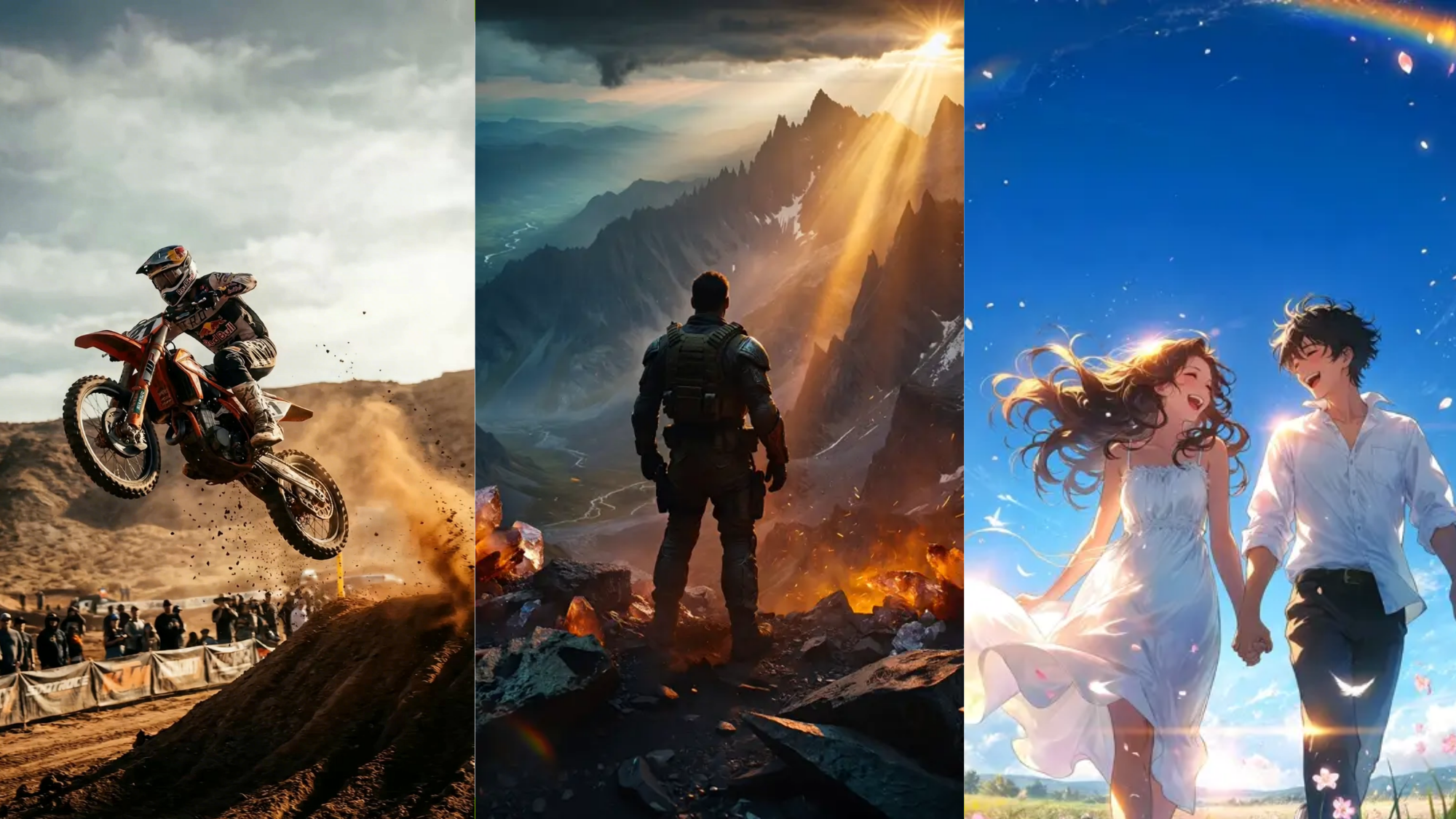
3. Cinematic Scene Generation
Another powerful feature is the ability to generate movie-style scenes.
Examples include:
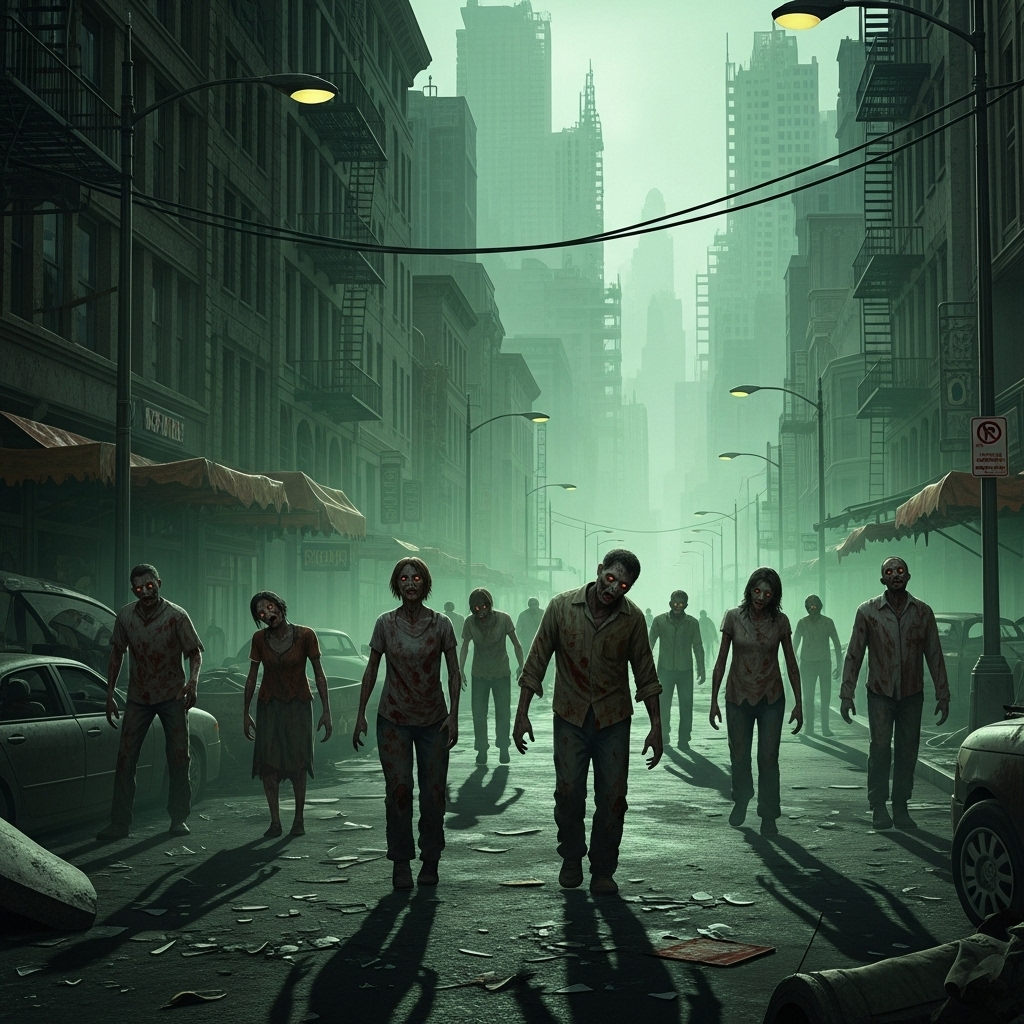
- Zombie attack scenes
- Superhero action shots
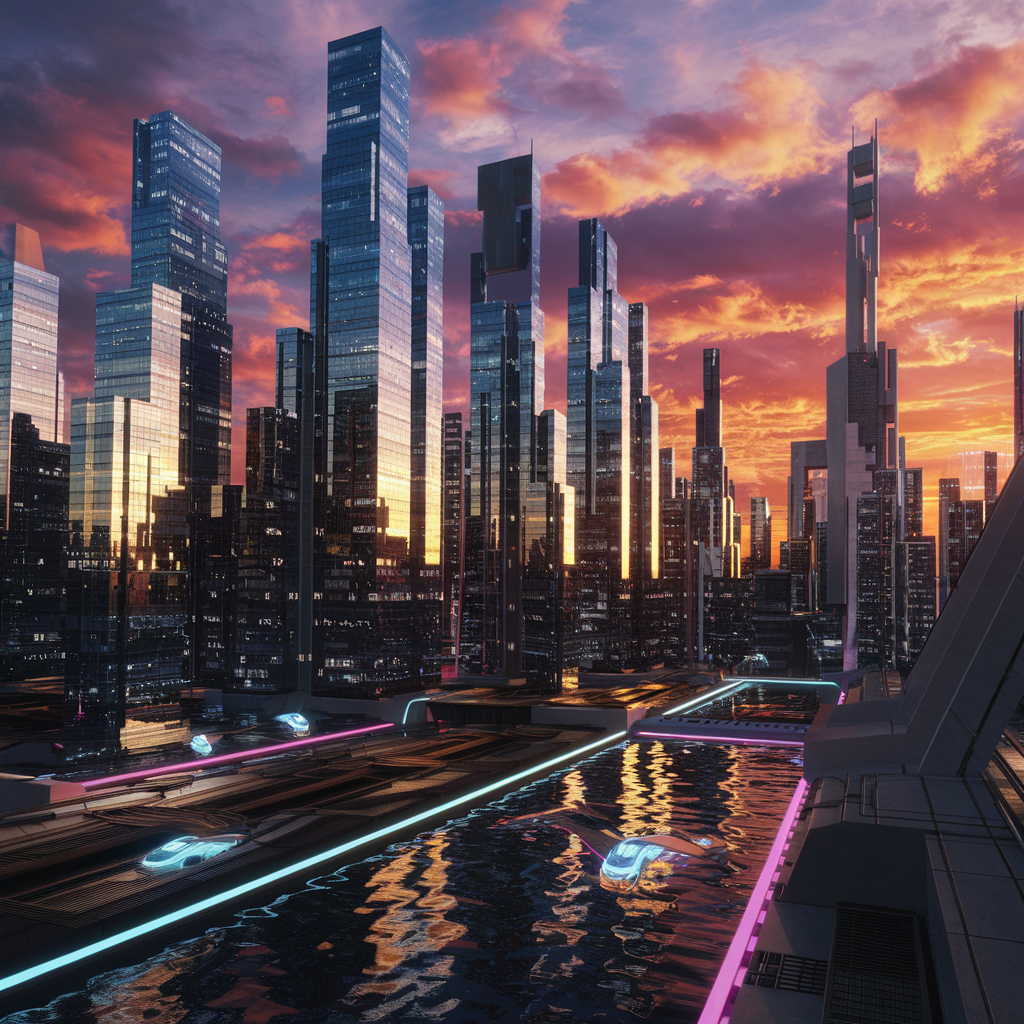
- Sci-fi futuristic environments
- Horror movie scenes
- Fantasy battles
These clips often include cinematic effects like:
- dramatic lighting
- fog and atmosphere
- camera movement
- slow motion
4. Creative Character Animation
Seedance can animate characters performing actions such as:
- dancing
- running
- fighting
- flying
- reacting emotionally
This makes it useful for storytelling and short films.
5. Fast Video Production
Traditional animation projects can take days or weeks.
Seedance reduces the time dramatically:
⚡ Videos can be generated in seconds or minutes.
This speed makes it ideal for daily content creators.
Example Prompts for Seedance 2.0
Here are some prompts you can use to generate videos.
Dance Prompt
A beautiful dancer performing hip hop dance in a cyberpunk city at night, neon lights glowing, cinematic camera movement, energetic performance, 10 seconds video
Zombie Horror Prompt
A scared woman standing alone in a dark street surrounded by zombies slowly approaching, foggy atmosphere, cinematic horror lighting, intense scene
Superhero Prompt
A superhero girl flying through a futuristic city skyline during sunset, glowing energy powers, dramatic cinematic camera angles
Action Scene Prompt
A brave hero running through a burning city while explosions happen around him, cinematic movie style, intense action scene
Can Seedance Create Short Movies?
Seedance videos are usually short clips, but creators can combine multiple clips to produce longer content.
For example:
Scene 1 – Introduction of the hero
Scene 2 – City environment
Scene 3 – Zombie attack
Scene 4 – Fight scene
Scene 5 – Escape sequence
By combining these clips in a video editor, you can create a complete AI short film.
Many creators use this method to produce AI storytelling videos for YouTube or TikTok.
Who Should Use Seedance 2.0?
Seedance 2.0 can be useful for many types of users.
Content Creators
Creators can generate viral video content quickly.
YouTubers
YouTubers can use AI-generated scenes for:
- storytelling videos
- AI short films
- experimental content
Game Developers
Game developers can create concept animations or cinematic scenes.
Filmmakers
Filmmakers can use Seedance to visualize scene ideas quickly.
Advantages of Seedance 2.0
✔ Easy to use
✔ No animation skills required
✔ Fast video generation
✔ Creative cinematic results
✔ Perfect for short-form content
Limitations of Seedance 2.0
Despite its powerful capabilities, there are some limitations.
❌ Videos are usually short
❌ Some prompts may require multiple attempts
❌ Full movie production still requires editing tools
However, AI video technology is improving rapidly, so these limitations may reduce in future versions.
Tips for Creating Better Seedance Videos
To generate better results, follow these tips.
Use Detailed Prompts
Instead of writing:
“Girl dancing”
Write:
“Stylish girl performing hip hop dance under neon cyberpunk lights with dramatic cinematic camera movement.”
Add Lighting and Atmosphere
Words like these improve results:
- cinematic lighting
- foggy atmosphere
- sunset lighting
- neon lights
- dramatic shadows
Mention Camera Movement
Example:
- cinematic camera pan
- slow motion shot
- close-up cinematic shot
Specify Duration
Mention video duration like:
- 5 seconds
- 8 seconds
- 10 seconds
Future of AI Video Creation
AI video generation tools like Seedance 2.0 represent the future of digital content creation.
In the coming years we may see:
- full AI movies
- AI-generated music videos
- AI game cinematics
- automated animation studios
This technology could revolutionize the entire film and content creation industry.
Final Thoughts
Seedance 2.0 is a powerful AI platform that allows anyone to create dance videos, cinematic scenes, and short movie clips using simple text prompts.
With its easy interface and fast generation speed, it has become a valuable tool for creators who want to produce engaging video content without complex editing software.
Whether you are a content creator, YouTuber, filmmaker, or AI enthusiast, Seedance 2.0 provides a creative way to experiment with AI-powered video production.
As AI technology continues to evolve, tools like Seedance will likely become an essential part of the future digital media ecosystem.