

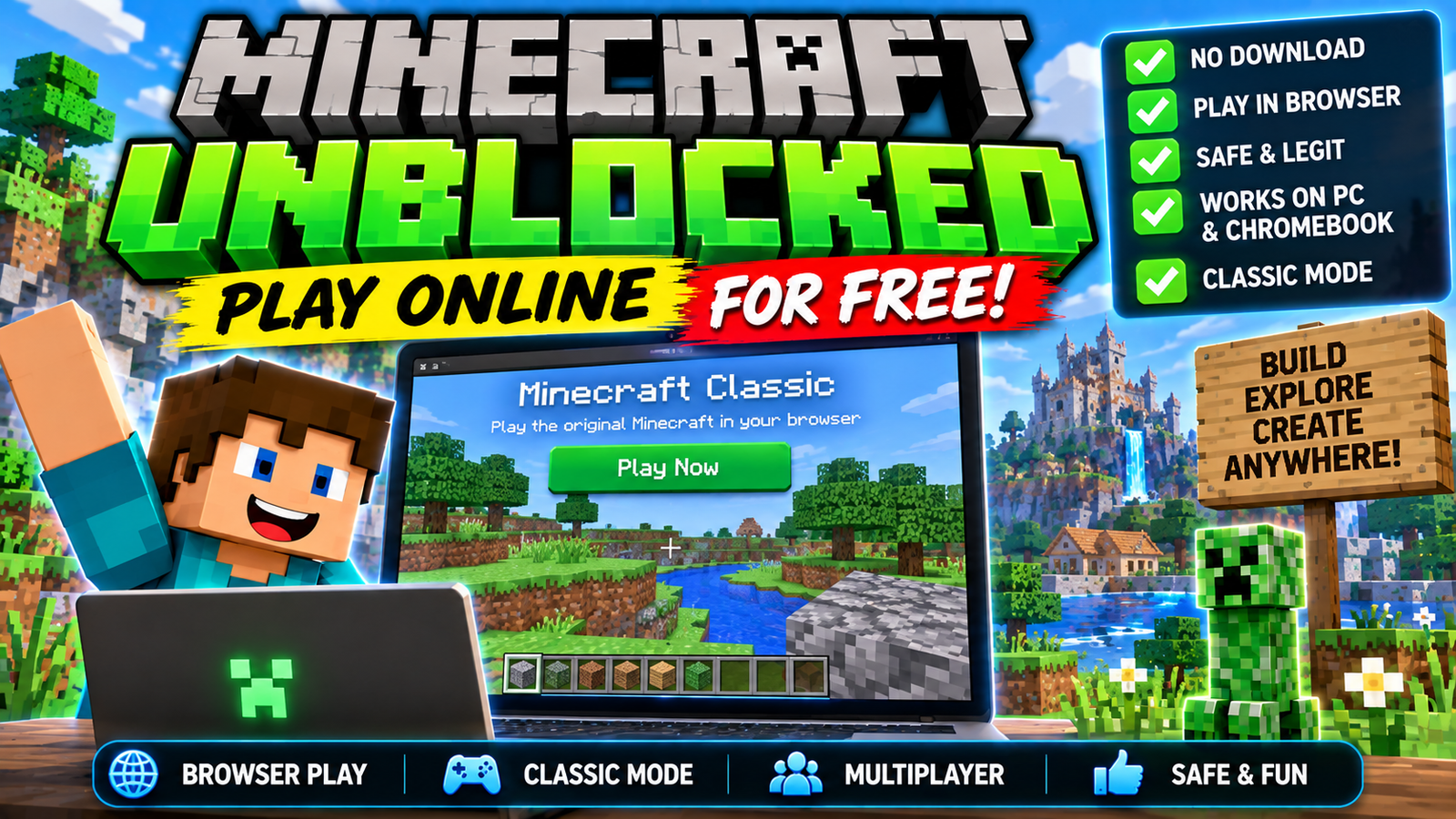
Minecraft unblocked is a popular search term among people who want to play Minecraft on a computer without installing the full game. You may see websites advertising “Minecraft Unblocked,” “Minecraft Unblocked Games,” or “Minecraft Free Online.”
However, not every website using these terms is an official Minecraft service. Some can contain misleading downloads, excessive advertisements, or potentially unsafe files.
The good news is that there are legitimate ways to experience Minecraft without relying on unofficial “unblocked” websites. The official Minecraft website provides Minecraft Classic, an older version of Minecraft that runs directly in a web browser.
In this guide, we explain what Minecraft Unblocked means, how Minecraft Classic works, whether you can play Minecraft in a browser, and which options are safer.
What Does Minecraft Unblocked Mean?
The phrase Minecraft Unblocked is commonly used online to describe websites or versions of Minecraft that claim to work on computers where access to games may be restricted.
For example, someone might search for Minecraft Unblocked because:
- They want to play Minecraft in a browser.
- They do not want to install the game.
- They are looking for a free version.
- Their device has limited software installation options.
- They have seen Minecraft games on an online games website.
However, “Minecraft Unblocked” is not the name of an official current Minecraft edition.
Minecraft has official versions for different platforms, including Java Edition, Bedrock Edition, and Minecraft Education. Mojang also provides Minecraft Classic as a browser-based version.
Can You Play Minecraft in a Browser?
Yes, but there is an important distinction.
The official Minecraft Classic version can be played directly through a web browser.
Minecraft describes Classic as an original, free-to-play version of the game that runs through classic.minecraft.net.
Minecraft Classic is based on an early version of the game and is much simpler than modern Minecraft.
It does not provide the complete feature set of current Minecraft Java or Bedrock Edition.
Minecraft Classic vs Modern Minecraft
Minecraft Classic is very different from the modern game.
The official Minecraft announcement explains that Classic contains only 32 blocks and represents an early version of Minecraft.
Modern Minecraft includes far more content, including:
- Hundreds of blocks
- Many creatures
- Villages
- Multiple dimensions
- Redstone systems
- Enchantments
- Crafting systems
- Survival mechanics
- Farming
- Multiplayer features
- Marketplace content
- Regular updates
Minecraft Classic is therefore best viewed as a nostalgic browser experience rather than a replacement for the modern game.
How to Play Minecraft Classic Online
If you want to try the official browser version, the process is simple.
Step 1: Open a Modern Browser
Use a supported modern web browser on your computer.
Minecraft Classic requires browser technologies such as WebGL/WebRTC. The official Classic page currently warns users when their browser does not support the required technology.
Step 2: Visit the Official Minecraft Classic Website
Use the official Minecraft Classic website rather than an unknown third-party “unblocked” site.
Step 3: Start the Game
Minecraft Classic loads directly in the browser.
You can then explore the old Minecraft experience and build with its limited selection of blocks.
Is Minecraft Classic Free?
Yes.
Minecraft’s official support documentation identifies Minecraft Classic as an original free-to-play version available through the browser.
This makes it one of the simplest legitimate ways to experience Minecraft without purchasing the modern version first.
What Can You Do in Minecraft Classic?
Minecraft Classic is primarily focused on the original building experience.
Players can:
- Place blocks
- Remove blocks
- Explore
- Build structures
- Create simple environments
- Play with other people where supported
The experience is intentionally much simpler than current Minecraft.
If you are looking for modern survival gameplay with crafting, hunger, villages, Nether exploration, End progression, and newer mobs, Minecraft Classic will not provide the same experience.
Minecraft Unblocked at School
Another reason people search for Minecraft Unblocked is because games may be restricted on school networks.
School and organization networks can have their own rules about which websites and services are accessible.
Instead of trying to circumvent those restrictions, students should follow their school’s network and device policies.
If Minecraft is being used as part of a lesson, Minecraft Education is the official version designed for educational environments.
Minecraft Education provides lessons, classroom tools, coding activities, and educational worlds.
Minecraft Education Free Demo
Minecraft Education currently provides ways to try the platform without immediately purchasing a full license.
According to Minecraft Education’s current support information, users can access Demo Lessons, while eligible academically verified Microsoft 365 accounts can use a free trial.
The demo experience has limitations. For example, worlds and progress cannot be saved, and multiplayer and custom worlds are unavailable in the demo.
This can be useful for students, teachers, parents, and anyone who wants to explore Minecraft Education before obtaining a full license.
Minecraft Free Trial
If your goal is to try the modern Minecraft experience rather than Minecraft Classic, Minecraft also provides an official free trial for supported devices.
The official Minecraft free-trial page currently lists options for Bedrock Edition and Java Edition on supported platforms.
This is different from Minecraft Classic.
Minecraft Classic
- Browser-based
- Free
- Very old version
- Limited features
- Focused on basic building
Minecraft Free Trial
- Modern Minecraft experience
- Available on supported devices
- Requires downloading the appropriate software
- Requires signing in with a Microsoft account
Is Minecraft Unblocked Safe?
This depends entirely on the website.
The phrase “Minecraft Unblocked” does not guarantee that a website is safe or official.
You should be particularly careful with websites that ask you to:
- Download an unknown
.exefile - Install an unofficial Minecraft launcher
- Disable antivirus protection
- Enter your Microsoft password
- Enter your Minecraft account credentials
- Install browser extensions
- Complete suspicious surveys
- Download an APK from an unknown source
A website displaying Minecraft images does not mean that it is operated by Mojang or Microsoft.
Avoid Fake Minecraft Downloads
One common problem with searches for free or unblocked games is that some websites use popular game names to attract visitors.
A page might advertise:
“Minecraft Unblocked Free Download”
but the download could actually be unrelated software.
For this reason, downloading Minecraft from the official Minecraft website or an official app store is considerably safer than using a random download page.
The official Minecraft website provides the launcher and downloads for supported versions.
Minecraft Unblocked on Chromebook
Chromebooks can run certain official Minecraft experiences depending on the version and device configuration.
Minecraft Education currently supports Chromebook, and its official system requirements provide the current supported operating-system information.
Minecraft Education is available on Chromebook as well as several other platforms.
For a school Chromebook, however, the school administrator may control which applications and websites can be installed or accessed.
In that situation, students should contact their school or administrator rather than attempting to bypass those controls.
Minecraft Unblocked on Mobile
Minecraft is also officially available on mobile platforms.
The official Minecraft download information lists Android and iOS among supported platforms for Minecraft-related downloads, while Minecraft Education also supports Android and iOS devices.
If you are using a phone or tablet, downloading the official application from the appropriate app store is safer than installing an unknown “Minecraft Unblocked APK.”
Minecraft Unblocked APK
You may see websites advertising:
Minecraft Unblocked APK
or
Minecraft Free APK
Be careful with these downloads.
An APK downloaded from an unofficial website may have been modified or repackaged. There is no guarantee that the file is the genuine Minecraft application.
If you own an Android device, use an official distribution channel whenever possible.
Avoid applications that claim to provide unlimited Minecraft features while asking for unusual permissions or account credentials.
Minecraft Unblocked Games Websites
Many websites use the term “unblocked games” to describe browser games that are intended to work on restricted networks.
Some may provide legitimate browser games, but that does not mean every website is affiliated with Minecraft.
If a website uses the Minecraft name, logo, or characters, check whether it is actually an official Minecraft service.
For the genuine browser version, Minecraft itself provides Minecraft Classic.
Minecraft Java Edition
Minecraft Java Edition is the traditional PC version of Minecraft and is particularly popular with players who enjoy mods and custom servers.
The official Minecraft site describes Java Edition as the PC version known for extensive mod support and custom servers.
Java Edition is not the same thing as Minecraft Classic.
Java Edition is the full modern Minecraft experience, while Classic is an early browser version.
Minecraft Bedrock Edition
Minecraft Bedrock is designed for multiple platforms and supports cross-platform gameplay across supported devices.
It is available on platforms including Windows, consoles, Android, and iOS depending on the current supported configuration.
If you want modern Minecraft rather than a simple browser experience, Bedrock or Java Edition may be more appropriate depending on your device.
Why Do People Search for Minecraft Unblocked?
The keyword has become popular because it combines several common searches:
- Minecraft online
- Minecraft browser game
- Minecraft free
- Minecraft without download
- Minecraft at school
- Minecraft unblocked games
- Minecraft Classic
- Free Minecraft trial
However, these searches can refer to very different things.
Someone looking for a browser game may actually want Minecraft Classic.
Someone looking for a school-friendly educational experience may need Minecraft Education.
Someone looking for the complete modern game may need Java or Bedrock Edition.
Understanding the difference can save you from downloading an unsafe or unofficial version.
Best Legitimate Options Instead of Unofficial Minecraft Unblocked Sites
If you want to play Minecraft, consider these official options:
Minecraft Classic
Best for people who want a free browser-based Minecraft experience.
Minecraft Free Trial
Best for people who want to test the modern Minecraft experience before purchasing.
Minecraft Education
Best for schools, students, teachers, and educational activities.
Minecraft Java Edition
Best for PC players interested in mods, custom servers, and the Java ecosystem.
Minecraft Bedrock Edition
Best for players who want a modern Minecraft experience across supported platforms and cross-platform play.
Frequently Asked Questions
Is Minecraft Unblocked an official Minecraft version?
No. “Minecraft Unblocked” is generally a search term used for websites claiming to offer accessible versions of Minecraft. It is not the name of the main official Minecraft edition.
Can I play Minecraft for free in a browser?
Yes. Minecraft Classic is an official free browser version based on the early Minecraft experience.
Where can I play Minecraft Classic?
Minecraft Classic is available through the official Minecraft Classic website.
Is Minecraft Classic the same as modern Minecraft?
No. Classic is an early version with a much smaller feature set and only 32 blocks.
Can I play Minecraft at school?
That depends on your school’s rules, network configuration, and available software. If your school provides Minecraft Education, that is the official educational option.
Is Minecraft Education free?
Minecraft Education currently offers Demo Lessons for anyone and a free trial for eligible academically verified Microsoft 365 accounts.
Is Minecraft Unblocked APK safe?
You should not assume an unofficial APK is safe. Use official Minecraft distribution channels whenever possible.
Can I play modern Minecraft without buying it?
Minecraft provides an official free trial for supported devices, while Minecraft Classic is available free in the browser.
Final Thoughts
The term Minecraft Unblocked can mean different things depending on what a player is looking for. If you simply want to play Minecraft in your browser, the safest option is to use the official Minecraft Classic experience.
If you want to try modern Minecraft, check the official free-trial options. Students and teachers can also explore Minecraft Education, which provides educational worlds and demo lessons.
Most importantly, avoid assuming that every website advertising “Minecraft Unblocked” is legitimate. Do not download suspicious launchers or APKs, and never provide your Minecraft or Microsoft account password to an unofficial website.
For the safest experience, use official Minecraft services and downloads.
