

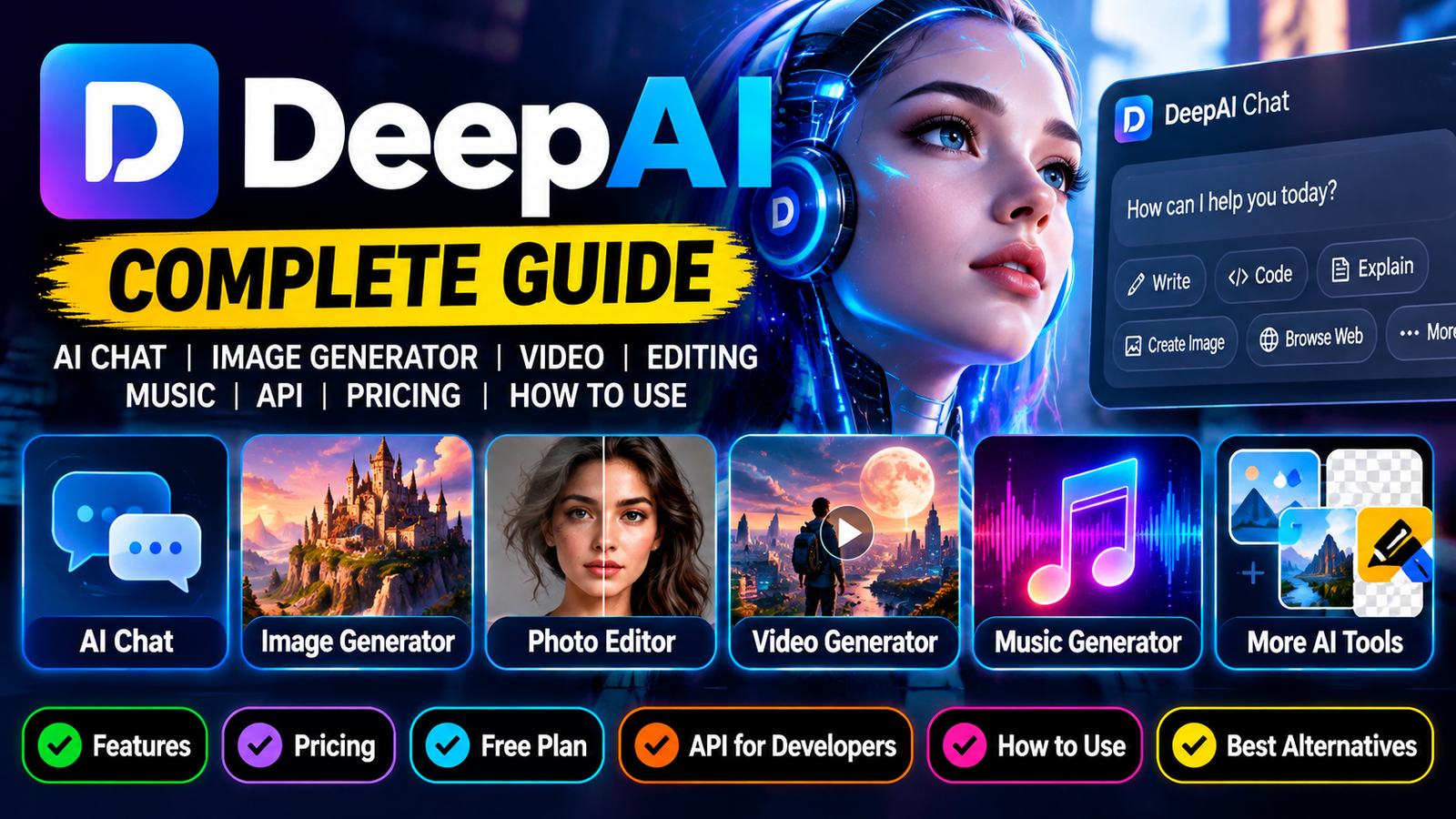
DeepAI has grown from an early text-to-image experiment into a broader AI platform offering chat, image generation, photo editing, video creation, music generation, voice chat and developer APIs.
What makes DeepAI interesting is that it is not built around just one AI feature. You can use it to ask questions, generate images, edit existing pictures, create short videos, experiment with AI music and even access AI models through APIs. DeepAI says it started in 2016 with a browser-based text-to-image generator and has since expanded into a wider collection of generative AI tools. DeepAI
For someone looking for an AI ChatGPT alternative, AI image generator, photo editor or AI API, DeepAI is therefore worth exploring.
What Is DeepAI?
DeepAI is an all-in-one artificial intelligence platform that provides a collection of AI-powered creative and productivity tools.
The platform currently includes AI Chat, AI Image Generator, AI Video Generator, AI Music Generator, AI Photo Editor, Background Remover, Colorizer, Super Resolution, Image Replace, Voice Chat, Math AI and other tools. DeepAI
Instead of visiting separate websites for every AI task, users can access many of these features from the same DeepAI ecosystem.
The platform can also be used by developers through APIs for applications that need AI image generation, image editing, video generation and other AI capabilities. DeepAI
DeepAI AI Chat
One of the biggest parts of the platform is DeepAI Chat.
DeepAI’s chatbot can be used for everyday questions, writing, programming and other tasks. The platform also supports adding photos and files to conversations. DeepAI
Depending on the available mode, users can also access features such as web browsing, image creation and more advanced reasoning.
DeepAI currently offers multiple chat modes, including its standard experience and more advanced Genius and Super Genius modes for Pro users. DeepAI
What Can You Do With DeepAI Chat?
You can use DeepAI Chat for tasks such as:
- Answering questions
- Writing articles and other content
- Creating stories
- Writing and explaining code
- Brainstorming ideas
- Working with uploaded files
- Creating images from prompts
- Solving mathematics and science problems
- Searching the web in supported modes
- Having voice conversations
DeepAI also provides specialized chat presets, including writing, proofreading, translation, coding and other creative uses. DeepAI
DeepAI AI Image Generator
The DeepAI Image Generator is one of the platform’s original and most recognizable features.
It allows users to enter a text prompt and generate an image from that description. DeepAI’s documentation says the image generator supports multiple quality levels and formats, including HD, Genius and Super Genius options. DeepAI
For example, a prompt could describe:
A futuristic city at night with flying cars, neon lights and heavy rain, cinematic photography
The AI then interprets the description and creates an image.
DeepAI Image Generator Styles
The image generator offers a variety of styles and preferences.
Users can experiment with categories such as:
- Photography
- Cinematic
- Anime
- Classic
- Graphic design
- Other artistic styles
DeepAI says its image generator has more than 100 styles and shapes available, depending on the generation experience being used. DeepAI
This makes it useful for people creating thumbnails, concept art, social-media graphics, illustrations and other visual content.
DeepAI Image Generator Resolution
The available resolution depends on the generation mode.
According to DeepAI’s documentation, Genius image generation can produce images up to 1024 × 1024 pixels, while Super Genius supports 2K resolution. The API also supports different width and height configurations for image generation. DeepAI
The platform also supports landscape, square and vertical formats in supported generation modes.
DeepAI Photo Editor
DeepAI isn’t limited to generating new images.
Its AI Photo Editor allows users to upload an existing image and describe the changes they want to make.
For example, you could ask the editor to:
- Change the background
- Modify the sky
- Remove an object
- Add something to an image
- Change the overall visual style
- Combine multiple images
- Transform an existing photograph
DeepAI’s editor supports uploading up to three images in its web interface, allowing users to describe more complicated editing tasks. DeepAI
This makes the tool particularly useful when you already have an image but want AI to modify it instead of starting from scratch.
DeepAI AI Video Generator
DeepAI has also expanded into AI video generation.
Its documentation says the platform can generate videos from text prompts or from a source image. The API supports both text-to-video and image-to-video workflows. DeepAI
The available video options include standard HD generation and a higher-quality Hollywood Mode for cinematic 2K output.
The API documentation currently describes video generation of between 5 and 15 seconds, depending on the request and mode. DeepAI
For creators, this can be useful for generating short clips, animated concepts and visual experiments.
DeepAI AI Music Generator
DeepAI also offers an AI Music Generator.
The feature allows users to experiment with AI-generated music rather than limiting the platform to text and images.
Music generation is available with limited access on the free tier, while Pro includes a larger monthly allowance. DeepAI’s current pricing page lists 100 AI-generated songs per month for Pro subscribers. DeepAI
DeepAI Voice Chat
Another feature available on the platform is AI Voice Chat.
It allows users to interact with AI using voice instead of typing every message.
The current pricing information lists limited voice-chat access on the free tier and broader access for Pro users. DeepAI
DeepAI AI Photo Tools
DeepAI offers several smaller tools alongside its main image generator and editor.
These include:
Background Remover
This tool can automatically separate the subject of an image from its background.
It can be useful for product images, profile pictures, thumbnails and graphic design.
Image Colorizer
The Colorizer is designed to add color to black-and-white images.
This can be useful for restoring or experimenting with old photographs.
Super Resolution
DeepAI’s Super Resolution tool uses AI to improve image detail and increase resolution.
It can be useful when an original image is too small or lacks sufficient sharpness.
Image Replace
The Image Replace feature allows users to replace parts of an existing image using AI.
Together, these tools make DeepAI more than a simple text-to-image generator. DeepAI
DeepAI AI Website Builder
DeepAI has also introduced an AI Website Builder, currently labeled as beta.
The feature is designed to help users create websites using AI rather than building everything manually.
The current Pro plan includes a monthly allocation of Website Builder credits. DeepAI
Because the tool is still in beta, its features and capabilities may continue to change.
DeepAI for Developers
DeepAI is also useful for developers who want to integrate AI into their own applications.
The company provides APIs for tasks including:
- Text-to-image generation
- AI photo editing
- Super Resolution
- Image colorization
- Background removal
- Video generation
DeepAI’s API uses HTTP requests and requires an API key. The documentation specifically warns developers to keep their API key secret and not expose it in client-side code. DeepAI
DeepAI Text-to-Image API
Developers can generate images programmatically using DeepAI’s text-to-image API.
The API endpoint accepts a text description and supports parameters for image dimensions and generation versions.
The available image-generation versions listed in the documentation include:
- Standard
- HD
- Genius
- Super Genius
The API also provides options for cinematic, photography, graphic and anime preferences in supported modes. DeepAI
DeepAI Image Editor API
Developers can also use the AI Photo Editor through an API.
The basic workflow is straightforward: provide an image and describe what should be changed.
DeepAI’s documentation shows support for both image URLs and locally uploaded image files. DeepAI
This could be useful for websites and apps that want to offer automated image editing without building their own AI image-processing system.
Is DeepAI Free?
Yes. DeepAI has a free tier, although it comes with usage limitations.
The current free plan provides limited access to features such as HD image generation and editing, standard chat, AI music, voice chat and other tools. DeepAI
Users can therefore try the platform without immediately paying for a subscription.
However, heavier users will run into generation or usage limits sooner than Pro subscribers.
DeepAI Pro Pricing
DeepAI currently lists its Pro subscription at:
$9.99 per month, or a discounted equivalent when billed annually. The annual option is currently listed at $89.99 per year. DeepAI
The Pro plan includes larger monthly allowances across the platform.
According to DeepAI’s current pricing page, the monthly Pro allowances include:
| Feature | DeepAI Pro Allowance |
|---|---|
| HD Images | 500 |
| Genius Images | 60 |
| Super Genius 2K Images | 10 |
| Standard Chat | 2,000 messages |
| Genius Chat | 250 messages |
| Super Genius Chat | 30 messages |
| HD Video | 25 seconds |
| Hollywood 2K Video | 8 seconds |
| AI Music | 100 songs |
| Concierge | 12 tasks |
| Website Builder | 20 credits |
These allowances can change, so users should check DeepAI’s pricing page before subscribing. DeepAI
DeepAI Free vs Pro
| Feature | Free | Pro |
|---|---|---|
| AI Chat | Limited | Yes |
| HD Images | Limited | 500/month |
| Genius Images | No | 60/month |
| Super Genius Images | No | 10/month |
| Web Browsing | No | Yes |
| Memory | No | Yes |
| AI Video | No | Yes |
| AI Music | Limited | 100/month |
| Voice Chat | Limited | Yes |
| Photo Editor | Limited | Full access |
| Website Builder | No | 20 credits/month |
| Ads | Yes | No |
The exact allowances are based on DeepAI’s current pricing information and may change in the future. DeepAI
Does DeepAI Have Web Browsing?
Yes, but access depends on the plan.
DeepAI’s current documentation says its AI Chat can browse the web in real time. The pricing page lists live web browsing for Pro users, while the free plan does not include it. DeepAI
This allows the AI to retrieve more current information rather than relying only on its built-in knowledge.
Does DeepAI Have AI Models From Other Companies?
DeepAI’s current chat interface provides access to multiple models and model families.
Its current Pro offering lists models including GPT-5.6 Luna, GPT-6 Astra, Gemini 3.1 Pro, Claude Opus 5.5, Grok 4.3, GPT-4.1 and others alongside DeepAI’s own models. DeepAI
That means DeepAI is increasingly functioning as a multi-model AI platform rather than only an AI image-generation website.
DeepAI vs ChatGPT
DeepAI and ChatGPT overlap in several areas, but they are not exactly the same product.
DeepAI puts considerable emphasis on creative AI tools, particularly image generation, photo editing, video and music generation.
ChatGPT is more heavily centered around conversational AI, reasoning, writing, research and productivity, although it also supports image generation and other capabilities.
For someone primarily interested in AI images and creative tools, DeepAI can be particularly appealing because those features are integrated directly into the platform.
DeepAI vs Midjourney
DeepAI and Midjourney are also aimed at somewhat different users.
Midjourney is widely known for artistic image generation and visual quality, while DeepAI offers a broader collection of AI tools under one platform.
With DeepAI, users can move from image generation to editing, chat, video, music and other tools without leaving the same ecosystem.
The better choice therefore depends on what you actually want to create.
How to Use DeepAI
Getting started is relatively simple.
Step 1: Open DeepAI
Go to the official DeepAI website and choose the tool you want to use.
Step 2: Select an AI Tool
You can choose from options such as:
- AI Chat
- AI Image Generator
- AI Video Generator
- AI Music
- AI Photo Editor
- Voice Chat
- Background Remover
- Super Resolution
Step 3: Enter Your Prompt
For Chat, simply type your question or request.
For image generation, describe the image you want as specifically as possible.
Step 4: Generate
Submit the prompt and allow DeepAI to process the request.
Step 5: Improve the Result
If the output isn’t what you expected, change the prompt or use the available editing tools to make adjustments.
DeepAI also provides an Enhance Prompt option for image generation that can help expand a basic prompt into a more detailed one. DeepAI
How to Write Better DeepAI Prompts
The quality of an AI-generated image depends heavily on the prompt.
Instead of writing:
“A city.”
Try something more descriptive:
“A futuristic Asian city at night, neon signs reflected on wet streets, flying vehicles between skyscrapers, cinematic photography, dramatic atmosphere, highly detailed.”
A useful prompt can mention:
- Subject
- Environment
- Lighting
- Camera style
- Mood
- Composition
- Art style
- Colors
- Aspect ratio
The more clearly you communicate the intended result, the easier it is for an image model to interpret the request.
Is DeepAI Good for Image Generation?
DeepAI can be a useful choice for people who want a straightforward AI image-generation tool without building a complicated workflow.
Its biggest advantage is arguably the number of related tools available around image generation.
You can generate an image, edit an existing picture, remove its background, increase resolution and experiment with different visual styles from the same ecosystem.
However, AI-generated images are not always perfect. DeepAI itself notes that generated images may not always look perfectly realistic. DeepAI
Is DeepAI Worth Using?
For casual users, DeepAI is worth trying because there is a free tier that lets you explore many of its features.
For creators who regularly generate images, videos or music, the Pro plan offers substantially larger limits.
Developers may also find the API useful if they want to add AI image or editing capabilities to their own websites or applications.
The main advantage is convenience: chat, images, editing, video, music and other AI tools are available under one platform.
DeepAI: Everything You Need to Know
| Feature | Available |
|---|---|
| AI Chat | Yes |
| AI Image Generator | Yes |
| AI Photo Editor | Yes |
| AI Video Generator | Yes |
| AI Music Generator | Yes |
| Voice Chat | Yes |
| Background Remover | Yes |
| Image Colorizer | Yes |
| Super Resolution | Yes |
| Image Replace | Yes |
| AI Website Builder | Yes, Beta |
| Developer API | Yes |
| Free Plan | Yes |
| Pro Plan | Yes |
Final Thoughts
DeepAI is no longer just an AI image generator.
The platform has expanded into a much broader AI ecosystem where users can chat with AI, generate and edit images, create short videos, make music, use voice chat, build websites and access AI through APIs.
Its free tier makes it easy to experiment, while the Pro subscription is aimed at people who want higher usage limits and access to more advanced models and tools.
For users who want a single platform for AI chat + image generation + creative AI tools, DeepAI is certainly worth checking out. Its biggest appeal is not necessarily that it does one thing better than every specialized AI service, but that it puts a large collection of AI capabilities in one place. DeepAI
Frequently Asked Questions
What is DeepAI?
DeepAI is an AI platform offering chat, image generation, photo editing, video generation, music generation, voice chat and developer APIs.
Is DeepAI free?
Yes. DeepAI has a free plan with limited usage. Paid Pro plans provide significantly larger allowances and additional features. DeepAI
Is DeepAI an AI image generator?
Yes. AI image generation was one of DeepAI’s original core features and remains an important part of the platform.
Can DeepAI generate videos?
Yes. DeepAI currently offers AI video generation from text prompts and source images. DeepAI
Can DeepAI edit photos?
Yes. Its AI Photo Editor lets users upload images and describe the changes they want the AI to make. DeepAI
Does DeepAI have an API?
Yes. DeepAI provides APIs for image generation, photo editing, super resolution, colorization, background removal and video generation. DeepAI
How much does DeepAI Pro cost?
DeepAI currently lists Pro at $9.99 per month, with an annual option currently listed at $89.99. DeepAI
Is DeepAI the same as ChatGPT?
No. They are separate AI platforms. DeepAI has its own ecosystem of tools and also provides access to multiple AI models through its platform.
Does DeepAI have a mobile app?
DeepAI currently promotes mobile access alongside its web tools, and its website also provides access to its AI tools through a browser. Availability can vary by platform and region. DeepAI
