

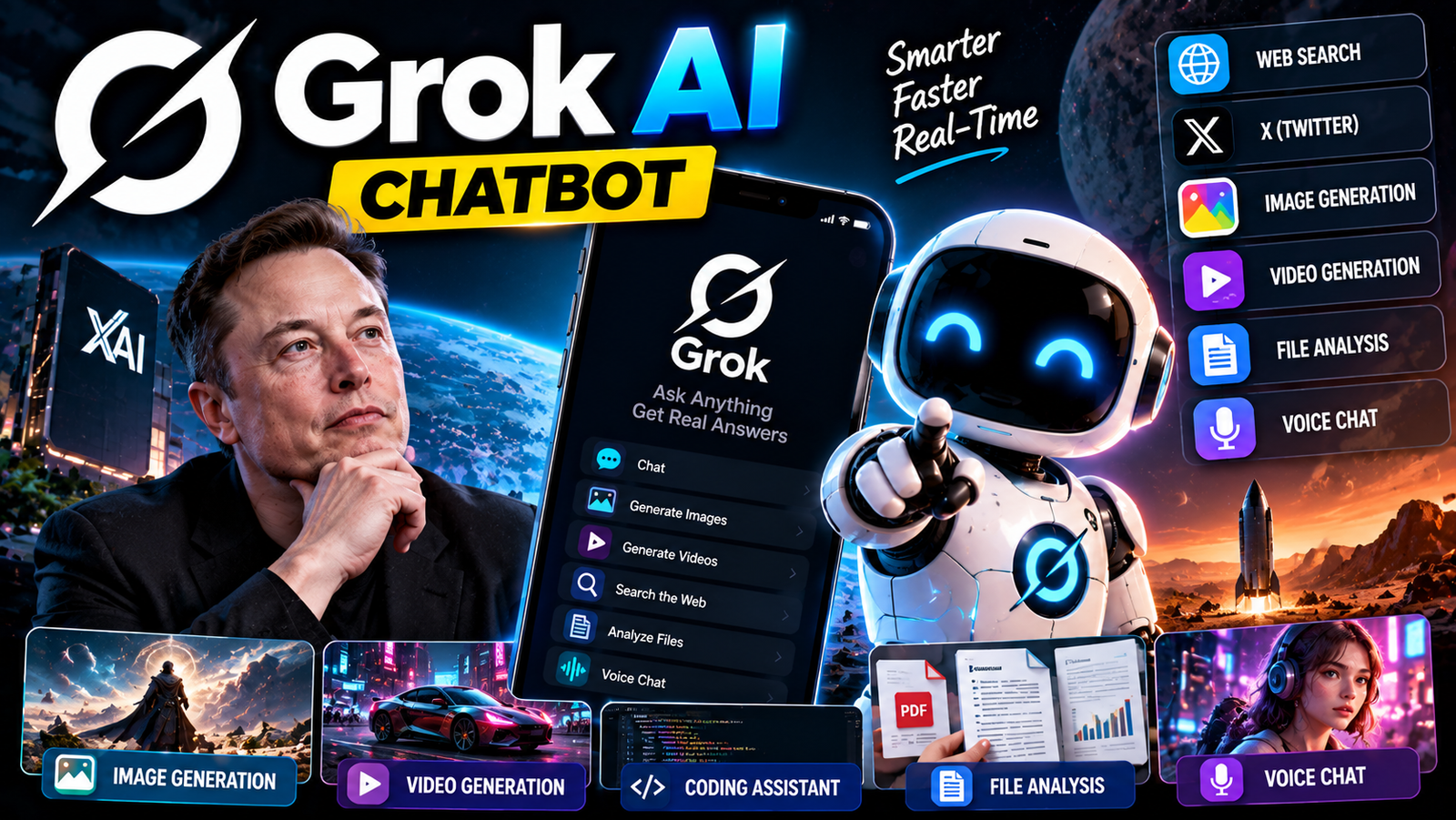
Artificial intelligence has become so crowded that just calling something an “AI chatbot” doesn’t really tell you much anymore. Grok, though, is a bit different. Created by xAI, it started as an AI assistant tied closely to X, but it’s grown into something much bigger. You can now use Grok on the web, through iPhone and Android apps, and via other xAI products. It answers questions, searches for info, analyzes files, generates images and videos, talks through voice, writes content, and helps with coding.
And the tech behind it is moving fast. As of September 2026, xAI’s flagship model is Grok 4.7, which the company calls its frontier model for coding, agentic tasks, and knowledge work. It has a 500,000-token context window and supports text and image input, reasoning, function calling, web search, X search, and code execution.
At the same time, Grok has expanded beyond plain chat. Grok Imagine handles image and video generation, while Grok Bot is built around persistent AI teammates that can work on a cloud computer and tackle longer-running tasks.
So what exactly can Grok do today? Let’s break it down.
What Is Grok AI?
Grok is a generative AI assistant developed by xAI. You can use it for everyday conversations, research, writing, brainstorming, coding, image understanding, and creative work. xAI’s current docs list Grok on the web at grok.com, plus iOS and Android. Conversations, settings, and subscriptions sync across supported platforms.
The easiest way to think about Grok is as a general-purpose AI assistant with a particularly strong link to real-time information and the X platform. That connection has always been part of Grok’s identity. If you’re curious about something happening right now, Grok can use search tools to pull current info instead of relying only on what it learned during training.
For developers, the same technology is available through xAI’s API, where Grok models can be plugged into apps and external tools.
Grok Is More Than an X Chatbot
One of the biggest misconceptions about Grok is that it’s just “the AI inside X.” That was true early on, but the product has expanded a lot. Today, Grok can be used as:
- A general AI chatbot
- A research assistant
- A writing assistant
- A coding assistant
- A voice assistant
- An image generator
- A video generator
- A file-analysis tool
- An AI agent
- A developer API
- A business and enterprise assistant
xAI’s current Grok documentation specifically lists chat, image and video creation, voice conversations, file analysis, and connections to email, files, and calendars. That makes today’s Grok much broader than the product many people first met on X.
The Current Grok Model: Grok 4.7
The latest major model generation is Grok 4.7. xAI introduced it on September 21, 2026, describing it as a model aimed especially at coding, agentic tasks, and knowledge work. The company says it was trained with a longer reinforcement-learning process focused on tough tasks that can take hours rather than minutes.
The model supports:
- Text input
- Image input
- Long-context conversations
- Reasoning
- Function calling
- Web search
- X search
- Code execution
- Agent-style workflows
Its published API context window is 500,000 tokens, with reasoning settings ranging from low through xhigh. That big context window is especially handy when you’re working with hefty documents, long conversations, or complicated coding projects.
Grok 4.7 and coding
Coding is one of the areas xAI pushes hardest with Grok 4.7. The model is designed to spend more time on difficult problems, check its work, and handle longer-running tasks. xAI’s announcement reports improvements over Grok 4.6 on several software-engineering and professional-work benchmarks. Those figures are xAI’s own benchmark results, so they’re best seen as vendor-reported measurements rather than an independent overall ranking of AI models.
For an ordinary developer, the practical applications matter more than a benchmark number. You can ask Grok to:
- Explain an unfamiliar codebase
- Find a bug
- Rewrite a function
- Design an API
- Generate SQL
- Work through an error
- Review code
- Build a prototype
- Explain why something isn’t working
That makes it useful as a programming partner rather than just a code autocomplete tool.
Grok’s Real-Time Search
One of Grok’s most recognizable traits is its ability to work with current information. Traditional language models have a knowledge cutoff. If you ask them about something that happened yesterday, they may not know unless they can access an external info source.
Grok can use search tools to retrieve current information. The xAI API provides both web search and X search, letting applications build workflows around current internet info and public X content. This is useful for questions like:
- What happened in the markets today?
- What are people discussing about a new product?
- What’s the latest info about a company?
- What changed on a website?
- What are the current headlines?
- What are people saying about a breaking event?
But there’s an important distinction: real-time access doesn’t automatically mean every answer is correct. Search results can contain rumors, mistakes, outdated pages, or misleading social-media posts. Grok can summarize info quickly, but important claims should still be checked against primary sources.
Grok and X
The relationship between Grok and X is still one of the product’s defining features. Grok can use public info from X as part of its search capabilities, making it particularly useful for understanding conversations happening on the platform. This can be valuable for:
- Trending topics
- Public reactions
- Breaking discussions
- Creator activity
- Technology conversations
- Sports discussions
- Product launches
- News reactions
It also creates an unusual strength and weakness at the same time. You get access to a huge stream of real-time public conversation, but public conversation isn’t the same as verified information. A useful Grok workflow is therefore: use X to discover what people are talking about → use reliable sources to verify important facts.
Grok Can Analyze Files
Grok isn’t restricted to a chat box. Current xAI docs say users can upload PDFs, images, spreadsheets, code, audio, and other files for analysis, extraction, and summarization. That opens up plenty of everyday uses.
For example, you could upload a PDF and ask: “Explain this in simple language.” Or give Grok a spreadsheet and ask: “What changed between these two months?” A developer could upload source files and ask for help understanding the architecture. A student could provide notes and ask for a study guide. A business user could provide a report and ask for the key points.
The quality of the answer will depend on the quality and structure of the uploaded material, but the basic workflow is much more useful than a chatbot that only accepts text pasted into a conversation.
Grok Voice
Typing isn’t always the most convenient way to interact with an AI assistant. Grok also supports voice conversations. The idea is simple: instead of typing a question, you can talk to Grok and have a back-and-forth exchange.
xAI has also been building dedicated voice infrastructure for developers, including speech-to-text, text-to-speech, and voice-agent APIs. Its product updates in 2026 show continued development in this area.
Voice can make Grok useful when holding a phone and typing isn’t practical. For example:
- Brainstorming while walking
- Asking quick questions
- Practicing a conversation
- Talking through an idea
- Getting an explanation without typing
- Using AI hands-free
The experience is also moving toward more natural back-and-forth conversations rather than the old pattern of asking one question and waiting for one long answer.
Grok Imagine: AI Image Generation
Grok’s visual capabilities have become a major part of the product. Grok Imagine is xAI’s family of image and video generation tools. The current Imagine platform can generate and edit images, generate videos from text or images, and support broader creative workflows. xAI’s documentation lists image generation at 1K and 2K resolution and video generation up to 1080p in its current API offering.
This means Grok can now be used for things like:
- Creating illustrations
- Generating concept art
- Designing social-media graphics
- Creating product visuals
- Editing photographs
- Restyling images
- Creating short videos
- Turning still images into animated clips
That puts Grok in a very different category from a chatbot that only produces text.
Imagine Image 2.0
In August 2026, xAI introduced Imagine Image 2.0. The company positioned it around more precise image generation and editing, especially for practical creative work. One interesting improvement is its focus on typography and layout. xAI says the model is designed to follow detailed instructions and produce better results when an image contains multiple visual elements and text.
That matters for people making:
- Posters
- Thumbnails
- Advertisements
- Infographics
- Social posts
- Product designs
- Presentation graphics
The model also supports more controlled editing, including selecting particular regions of an image instead of regenerating everything.
Grok Video Generation
Grok Imagine isn’t limited to still images. xAI launched its Grok Imagine API in January 2026 as a combined image and video generation platform, and later released Grok Imagine Video 1.5 with improvements to motion, physics, audio, and speech.
A user can start with a written description or an image and turn that idea into a short video. For example: “Create a cinematic five-second shot of a sports car driving through a rainy city at night.” The system can generate the visual sequence rather than requiring traditional video-editing software. xAI’s current API documentation supports text-to-video and image-to-video workflows, including clips of up to 15 seconds in the Imagine API.
Grok Can Animate an Existing Image
One of the more practical creative features is image-to-video generation. Instead of creating an entire scene from scratch, you can give Grok an existing image and describe the movement you want. For example: “Slowly move the camera toward the character while the lights flicker in the background.”
xAI says its Imagine Video models are designed to preserve the source image while adding movement, camera motion, and environmental effects. This makes the technology useful for creators who already have artwork or photographs but want to turn them into short-form video.
Grok for Writing
Grok can also handle ordinary writing tasks. You can use it for:
- Blog posts
- Emails
- Social posts
- Scripts
- Product descriptions
- Headlines
- Summaries
- Brainstorming
- Rewriting
- Editing
The useful part is the ability to iterate. You don’t have to get the wording perfect in your first prompt. You can say: “Make it shorter.” Then: “Make it more casual.” Then: “Give me three stronger headlines.” Then: “Make the introduction more interesting.” That conversational workflow is where AI writing tools tend to become genuinely useful.
Grok for Research
Research is another natural use for Grok because the assistant can combine its language capabilities with search. Instead of asking a simple question, you can give it a research assignment. For example: “Research the latest electric-car battery technology, compare the major approaches, and explain what has changed during the last year.”
Grok can then search for relevant information and organize it into a readable response. For serious research, however, the best workflow is still to inspect the sources behind important claims. AI is excellent at reducing the amount of time needed to collect and organize information. It shouldn’t eliminate the process of checking whether the information is actually reliable.
Grok for Students
Students can use Grok as a learning assistant rather than simply an answer machine. Some useful prompts include:
- “Explain this chapter in simple language.”
- “Give me five questions to test myself.”
- “Find the mistake in my solution.”
- “Explain this formula step by step.”
- “Turn these notes into a revision sheet.”
- “Quiz me on this topic.”
The most useful approach is usually to ask Grok to teach rather than simply asking for the final answer. That turns the AI into something closer to a study partner.
Grok for Developers
For developers, Grok exists at two levels. The first is the consumer assistant, where you can ask Grok to write and debug code. The second is the xAI API, which allows developers to integrate Grok directly into their own applications. The current Grok 4.7 API supports:
- Function calling
- Web search
- X search
- Code execution
- Structured outputs
- Reasoning
- Text and image input
The model has a 500,000-token context window. That makes it suitable for more complex applications than a basic question-and-answer bot.
Grok Agent Tools
This is where Grok starts becoming much more interesting for developers. xAI’s Agent Tools API allows Grok-powered applications to use tools such as:
- X search
- Web search
- Code execution
- File search
- MCP tools
The model can decide when tools are needed and use multiple tools during a task. Imagine an application that receives a business question and then:
- Searches the web.
- Searches relevant X posts.
- Retrieves internal documents.
- Runs calculations.
- Combines the findings.
- Produces a final report.
That’s very different from simply asking a chatbot to write an answer from its existing knowledge.
Grok Bot: AI That Can Actually Work
One of the newer additions to the Grok ecosystem is Grok Bot. xAI describes Grok Bot as a persistent AI teammate that operates on a cloud computer. The concept is designed around longer-running work rather than a single conversation. Grok Bot can work with messaging, approvals, connectors, and routines, according to xAI’s current documentation.
That opens up workflows such as:
- Handling repetitive office work
- Working with files
- Using connected applications
- Performing multi-step tasks
- Running recurring routines
- Assisting with customer support
- Working on procurement tasks
This is an important change in the way people interact with AI. A chatbot waits for you to ask something. An agent can potentially be given a goal and then work through the steps required to reach it.
Grok and Business
xAI also offers business-oriented versions of its technology. Grok Business and Grok Enterprise were introduced as products designed for organizations rather than individual users. xAI’s product history lists their introduction in December 2025.
For companies, the attraction isn’t simply having another chatbot. Businesses can potentially use AI for:
- Internal research
- Coding
- Customer support
- Document analysis
- Data work
- Automation
- Knowledge management
- Repetitive tasks
Grok Bot pushes this idea further by allowing AI teammates to work with connected services.
Is Grok Free?
Yes, Grok is free to start. xAI’s current documentation says paid SuperGrok plans increase usage limits and unlock additional capabilities across its products. The system uses a shared weekly usage allowance across supported products. The exact limits can change depending on:
- Account
- Country
- Product
- Model
- Feature
- Subscription
- Current usage
So “Grok is free” doesn’t mean every advanced feature has unlimited free usage. The same applies to image and video generation. High-compute features naturally tend to have tighter usage limits.
Grok App
The Grok mobile app is available for both iPhone and Android. The current xAI documentation describes the app as one of the main ways to access Grok, alongside the web version. The mobile experience is particularly useful because it combines several features in one place:
- Chat
- Voice
- Image creation
- Video creation
- File uploads
- Research
- Image understanding
Rather than installing a separate application for each AI function, Grok is increasingly trying to put those capabilities into one assistant.
Grok Website
The official web version is available at Grok.com. The web experience is useful for longer conversations, research, and document work because a larger screen makes it easier to manage long responses and multiple files. It also provides access to the same account ecosystem as supported mobile experiences.
Grok and Privacy
Privacy is worth thinking about with any AI service. Grok can process the information you intentionally provide to it, including messages, uploaded documents, and images. When you connect external tools or services, the scope can become broader.
This is particularly important with agentic systems. An ordinary chatbot answering a question is one thing. An AI agent with access to email, files, calendars, or other applications is another. Before connecting an account, users should look at the permissions being requested and understand what the AI is allowed to access or change.
For business use, organizations should also consider data retention, access controls, account management, and internal policies before putting confidential information into an AI workflow.
Grok AI – Features, Comparisons, Limitations and FAQ
Grok vs ChatGPT
Grok and ChatGPT are both general-purpose AI assistants, but they have different ecosystems around them. Grok has a particularly close relationship with X and xAI’s search infrastructure, while ChatGPT has a broader OpenAI ecosystem around its assistant, tools, and applications.
Grok also places considerable emphasis on image and video generation through Imagine and on agentic tools through products such as Grok Bot. The better choice depends on what someone actually needs rather than on a single benchmark.
For someone who wants current X discussions, Grok’s connection to X can be useful. For someone building a workflow around OpenAI’s ecosystem, ChatGPT may fit more naturally. For image and video creation, the capabilities of both platforms change rapidly, so current model availability matters more than an old comparison article.
Grok vs Gemini
Gemini has the advantage of being deeply connected to Google’s ecosystem, while Grok is closely connected to X and xAI’s own tools. Both can:
- Answer questions
- Analyze images
- Work with files
- Search for information
- Generate content
- Help with coding
- Support multimodal interactions
The important difference is often the surrounding ecosystem. Google’s services are central to Gemini. X and xAI’s tools are central to Grok. That distinction can matter more to a user than the chatbot interface itself.
What Makes Grok Different?
There are several things that give Grok its own identity.
Real-time information
Grok can use web and X search tools to retrieve current information.
X integration
The assistant has a direct relationship with the X platform and can work with public X information through search tools.
Strong creative tools
Grok Imagine brings image generation, image editing, and video generation into the same broader product family.
Agentic development
xAI is moving toward AI that can use tools, execute code, and complete multi-step tasks.
Long-context models
Grok 4.7 supports a 500,000-token context window through the API.
Persistent AI teammates
Grok Bot extends the idea from chatbot to an AI worker operating on a cloud computer.
What Are Grok’s Limitations?
Grok is powerful, but there are still reasons to be careful.
It can make mistakes
Like other generative AI systems, Grok can produce incorrect information. A confident answer isn’t proof that the answer is correct.
Social-media information can be noisy
X provides an enormous amount of current information, but it also contains speculation, jokes, rumors, and misinformation. That makes source checking important.
Features change quickly
The AI industry moves extremely fast. A feature available today may have different limits next month, while an older model may be retired or replaced. xAI has already retired several earlier model variants as newer models became available.
Free access has limits
Grok is free to start, but usage limits apply and paid plans offer higher limits and additional access.
AI-generated media isn’t automatically authentic
Images and videos generated by Grok are synthetic media. xAI’s current FAQ says generated images and videos include a Grok watermark to indicate that the content was created with AI.
Does Grok Generate Images?
Yes. Grok supports image generation through Grok Imagine. The current Imagine Image 2.0 system can generate and edit images, including workflows using multiple reference images. xAI’s API documentation lists 1K and 2K output options.
Does Grok Generate Videos?
Yes. Grok Imagine supports video generation from text and images. The current platform supports text-to-video and image-to-video workflows, while Imagine Video 1.5 adds improvements in movement, physics, audio, and speech.
Can Grok Edit Images?
Yes. Grok Imagine supports natural-language image editing. Users can describe what they want changed rather than manually performing every edit in a conventional graphics application. The newer Image 2.0 system also includes more precise editing controls for changing specific areas of an image.
Can Grok Analyze PDFs?
Yes. Grok supports uploading PDFs and other files for analysis, extraction, and summarization. This makes it useful for reports, documents, research material, and technical files.
Can Grok Browse the Internet?
Yes. Grok can use web search in supported experiences. The xAI API also provides a web-search tool that developers can give to Grok-powered agents.
Can Grok Search X?
Yes. X search is available as a tool in xAI’s ecosystem and can be used to retrieve current information from public X content.
Can Grok Code?
Yes. Coding is one of the major areas xAI emphasizes. Grok 4.7 is specifically positioned as a model for coding and knowledge work, with tool calling, code execution, and configurable reasoning.
Is Grok an Agent?
Increasingly, yes — but there is an important distinction. The ordinary Grok chatbot is still primarily an assistant. xAI’s broader ecosystem now includes agentic capabilities, including tool calling and Grok Bot, which is designed around persistent AI teammates working on a cloud computer. So it is more accurate to describe Grok as an ecosystem that now includes both chat-based AI and agentic AI.
What Is Grok Bot?
Grok Bot is an xAI product designed to give users persistent AI teammates. Instead of simply answering one message, these AI teammates can operate on a persistent cloud computer and work with messaging, approvals, connectors, and routines. That makes Grok Bot particularly interesting for repetitive professional work.
Is Grok Owned by xAI?
Grok was developed by xAI. In February 2026, SpaceX announced that it had acquired xAI. xAI’s current company materials now describe the combined organization as SpaceXAI. This is a significant development in the company’s history because it brings xAI’s AI work and SpaceX’s aerospace organization under the same corporate structure.
Final Thoughts
Grok has changed considerably from the chatbot that first appeared on X. The current product is much more ambitious.
It can chat, search the web, search X, analyze documents, understand images, talk through voice, write code, generate images, and create videos. The API gives developers access to the same broader ecosystem, while agent tools and Grok Bot push the product toward AI that can actually perform multi-step work.
The arrival of Grok 4.7 shows where xAI is putting its effort: longer and harder reasoning, coding, knowledge work, and agentic tasks. Meanwhile, Grok Imagine is turning the same ecosystem into a creative tool for images and video.
What makes Grok particularly interesting is the combination of these abilities with real-time search and X. It isn’t simply trying to be another chatbot. The larger direction is closer to an AI workspace where conversation, search, creativity, files, code, and autonomous tasks can all happen in the same environment.
And that is probably the part worth watching. The question around Grok is no longer just “How good is its chatbot?” It is increasingly: “How much actual work can Grok handle for you?”
