

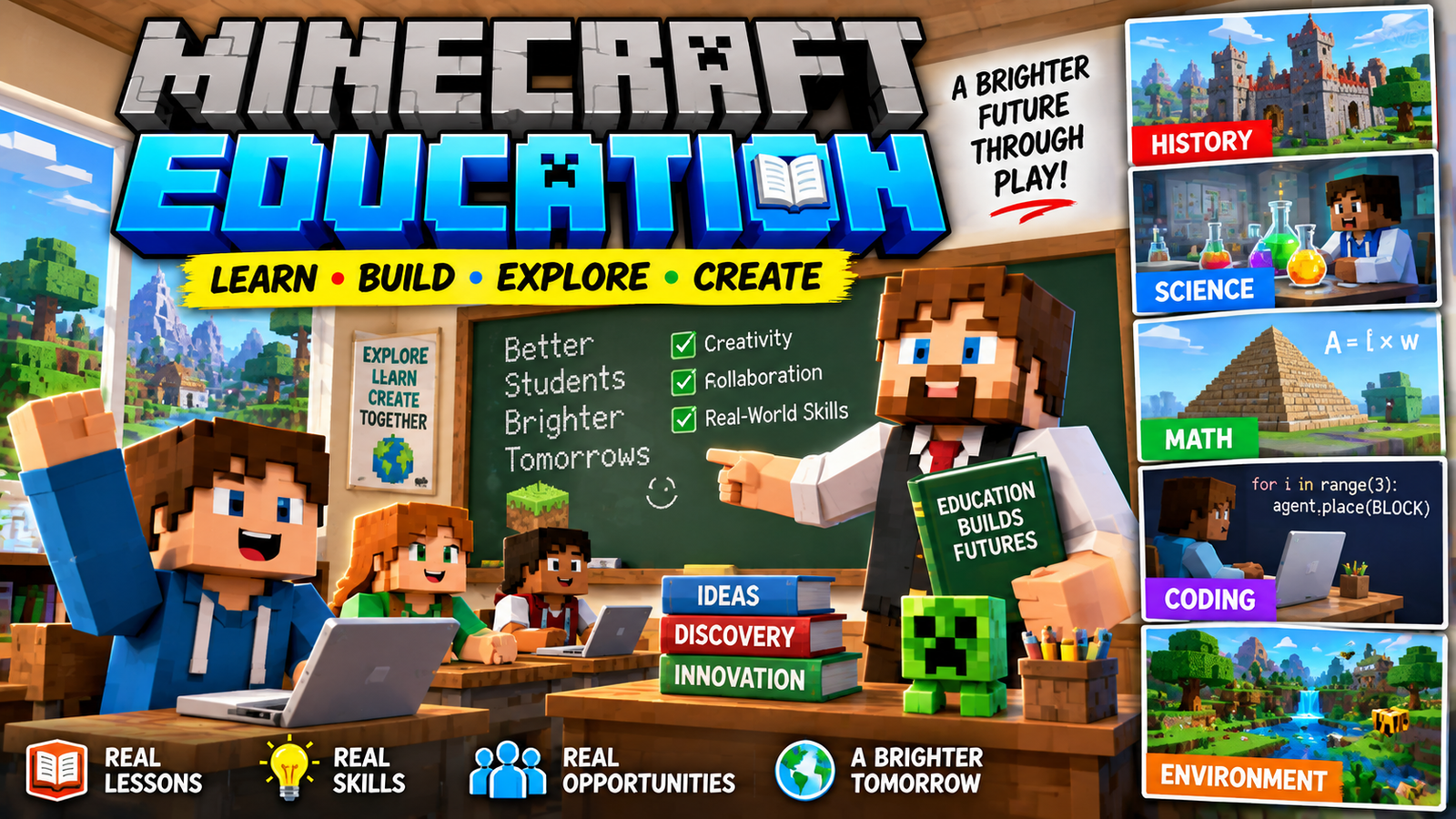
Minecraft Education is an educational version of Minecraft designed to help students learn through interactive, game-based experiences. Instead of using Minecraft only for entertainment, teachers can use the block-building world to teach subjects such as science, mathematics, coding, history, language, sustainability, and problem-solving.
The platform combines the familiar Minecraft environment with education-focused tools, lessons, collaboration features, and coding activities. This makes learning more interactive and gives students an opportunity to explore concepts by building and experimenting.


What Is Minecraft Education?
Minecraft Education is a learning platform based on Minecraft. It provides a classroom environment where educators can create lessons and students can work together inside Minecraft worlds.
Students can explore environments, construct buildings, solve challenges, experiment with resources, and complete educational activities.
The platform is particularly useful because students are not simply reading about a topic. They can interact with a virtual environment and use creativity to demonstrate what they have learned.
How Does Minecraft Education Work?
Minecraft Education works around the idea of learning through exploration and creation.
A teacher can introduce a lesson and provide students with a specific challenge. Students then enter a Minecraft world and complete activities related to that lesson.
For example, a science lesson could ask students to build a model of an ecosystem. A mathematics activity might involve calculating areas, distances, or quantities within a Minecraft construction.
This approach can turn a traditional lesson into an interactive activity.


Minecraft Education Features
Minecraft Education includes features specifically designed for learning environments.
Some of the important features include:
- Educational lessons
- Multiplayer collaboration
- Coding activities
- Camera and portfolio tools
- NPCs
- Boards and signs
- Classroom management features
- Chemistry-related learning activities
- Special educational worlds
- Teacher resources
These features allow educators to use Minecraft as more than a simple building game.
Minecraft Education for Students
Students can use Minecraft Education to learn by doing.
Instead of receiving only written instructions, they can interact with a virtual environment and complete practical challenges.
For example, students could:
- Build a historical structure
- Create a scientific model
- Design a sustainable city
- Solve mathematical problems
- Learn basic programming
- Explore different ecosystems
- Work on group projects
- Create presentations inside Minecraft
This type of activity can also encourage creativity and communication.
Minecraft Education for Teachers
Teachers can use Minecraft Education to create lessons around their existing curriculum.
A teacher does not necessarily need to make every world from scratch. Educational resources and prepared lessons can provide starting points for different subjects.
Teachers can also use Minecraft projects as assignments.
For example:
History assignment: Build a historically inspired settlement and explain its important features.
Science assignment: Create an ecosystem showing relationships between organisms.
Math assignment: Calculate the dimensions and materials required to construct a building.
Computer science assignment: Create a simple program using Minecraft’s coding tools.


Minecraft Education and Coding
One of the most interesting educational uses of Minecraft is coding.
Students can learn programming concepts while interacting with Minecraft.
Depending on the activity, students can work with coding concepts such as:
- Commands
- Sequences
- Loops
- Conditions
- Variables
- Automation
- Problem-solving
Learning programming inside a familiar game environment can make abstract concepts easier to experiment with.

Minecraft Education and Science
Minecraft can also be used to teach science.
Teachers can create activities involving natural environments, ecosystems, resources, energy, chemistry, and other scientific concepts.
For example, students might construct an ecosystem and observe how different components interact.
Minecraft Education also includes chemistry-focused educational content that can introduce students to concepts through interactive activities.


Minecraft Education Chemistry
Chemistry is one of the areas where Minecraft Education goes beyond standard Minecraft gameplay.
Educational chemistry activities allow students to explore elements and compounds in a Minecraft-based environment.
This can make chemistry concepts more visual and interactive.
Instead of only looking at a diagram in a textbook, students can interact with virtual representations and complete activities designed around chemistry.
Minecraft Education for History
History can also be taught through Minecraft.
Students can recreate buildings, settlements, monuments, or environments inspired by historical periods.
For example, a class could be divided into groups and each group could create a different part of a historical settlement.
Students can then explain their construction and research the historical information behind it.


Minecraft Education for Mathematics
Minecraft naturally contains many mathematical concepts.
Building requires students to think about
- Length
- Width
- Height
- Area
- Volume
- Measurement
- Ratios
- Shapes
- Coordinates
A teacher can turn a Minecraft building project into a mathematics exercise.
For example, students could calculate how many blocks are needed to construct a rectangular building with a particular height, width, and length.
Minecraft Education for Language Learning
Minecraft Education can also support language-related activities.
Students can write instructions, create stories, describe their Minecraft worlds, collaborate with classmates, and present their projects.
A teacher could ask students to create a story around a Minecraft environment and then write a description of their characters and locations.
This can combine creativity with reading and writing practice.
Minecraft Education Multiplayer
Collaboration is another important part of Minecraft Education.
Students can work together on shared projects instead of completing everything individually.
A group might construct an entire city, for example, with different students responsible for different sections.
Working together can encourage:
- Communication
- Teamwork
- Planning
- Leadership
- Creative problem-solving
The teacher can structure the activity so that every student has a specific responsibility.


9
Minecraft Education vs Minecraft
Minecraft Education and the standard Minecraft game share many familiar concepts, but they are designed for different purposes.
| Feature | Minecraft | Minecraft Education |
|---|---|---|
| Main purpose | Gaming and creativity | Education and learning |
| Building | Yes | Yes |
| Survival gameplay | Yes | Educational activities can use Minecraft mechanics |
| Coding | Available through different tools/modifications | Dedicated educational coding activities |
| Classroom resources | Limited | Extensive educational resources |
| Teacher-focused tools | No | Yes |
| Educational lessons | Not the primary focus | Core feature |
| Multiplayer | Yes | Yes, with education-focused use cases |
The biggest difference is the intended environment. Minecraft Education is designed specifically to support teaching and learning.
Is Minecraft Education Free?
Whether Minecraft Education is available at no cost depends on the student’s or teacher’s school, organization, licensing arrangement, and current offering.
Some schools and educational organizations provide access through their existing licenses.
Students should check with their school or teacher to determine whether they have access.
It is better to check the current official Minecraft Education requirements and licensing information rather than relying on old articles because educational licensing can change.
How to Get Minecraft Education
Minecraft Education is available through supported devices and accounts.
The general process is:
- Check whether your school or organization supports Minecraft Education.
- Confirm that your device meets the current requirements.
- Install Minecraft Education from an official source.
- Sign in with the appropriate school or organizational account.
- Join the lesson or world provided by your teacher.
Students should download the application from an official Minecraft Education source rather than unofficial APK or software websites.
Minecraft Education Lessons
One of the major advantages of the platform is its collection of educational lesson material.
Lessons can cover different age groups and subjects.
Possible topics include:
- Science
- Mathematics
- Computer science
- History
- Language arts
- Digital citizenship
- Sustainability
- Social-emotional learning
- Creativity
- Problem-solving
Teachers can select an activity that matches their learning objectives and then adapt the project to their classroom.


Minecraft Education and AI
AI is also becoming an interesting area for educational technology.
Minecraft’s interactive environment can potentially be combined with AI-based learning activities, coding assistants, intelligent characters, or personalized educational experiences.
However, teachers should carefully consider privacy, age-appropriate content, accuracy, and how student information is handled when using external AI tools.
AI should support learning rather than replace the teacher’s role.
Benefits of Minecraft Education
Minecraft Education can provide several potential learning benefits.
Interactive Learning
Students can interact directly with the environment instead of relying only on traditional written material.
Creativity
Building projects give students opportunities to design and experiment.
Collaboration
Group projects can encourage communication and teamwork.
Problem-Solving
Students often have to find solutions to construction or project challenges.
Coding
Minecraft can provide an engaging environment for introducing programming concepts.
Project-Based Learning
Teachers can use Minecraft projects as practical assignments where students demonstrate their understanding.
Challenges of Using Minecraft Education
Minecraft Education is not automatically effective simply because students enjoy Minecraft.
Teachers need to design activities with clear educational objectives.
Other challenges can include:
- Device availability
- Internet requirements
- Teacher training
- Classroom management
- Time required for projects
- Different levels of gaming experience among students
A well-designed lesson is therefore important.
Frequently Asked Questions
What is Minecraft Education?
Minecraft Education is an educational version of Minecraft designed to support classroom learning through interactive worlds, lessons, collaboration, coding, and creative projects.
Is Minecraft Education the same as Minecraft?
No. It is based on Minecraft but includes additional tools and educational resources designed for schools and educators.
Can students learn coding in Minecraft Education?
Yes. Minecraft Education includes coding-focused activities that can introduce programming concepts.
Can Minecraft Education be used for science?
Yes. Teachers can use it for science activities, including environmental topics and chemistry-related learning.
Can students play Minecraft Education together?
Yes. Multiplayer collaboration can be used for classroom projects and group activities, subject to the platform’s current requirements and configuration.
Can Minecraft Education be used at home?
Access depends on the current licensing and account requirements. Students should check the official Minecraft Education information or ask their school.
Final Thoughts
Minecraft Education turns the familiar block-building concept of Minecraft into an environment for interactive learning. Students can build, explore, code, collaborate, experiment, and solve problems while working on educational activities.
Its biggest potential comes from using Minecraft as a tool for project-based learning, rather than simply allowing students to play without a learning objective.
For teachers, the platform can provide a creative way to introduce subjects such as science, mathematics, history, coding, and sustainability. For students, it can make certain lessons more interactive and give them a chance to demonstrate their knowledge through digital creations.
