

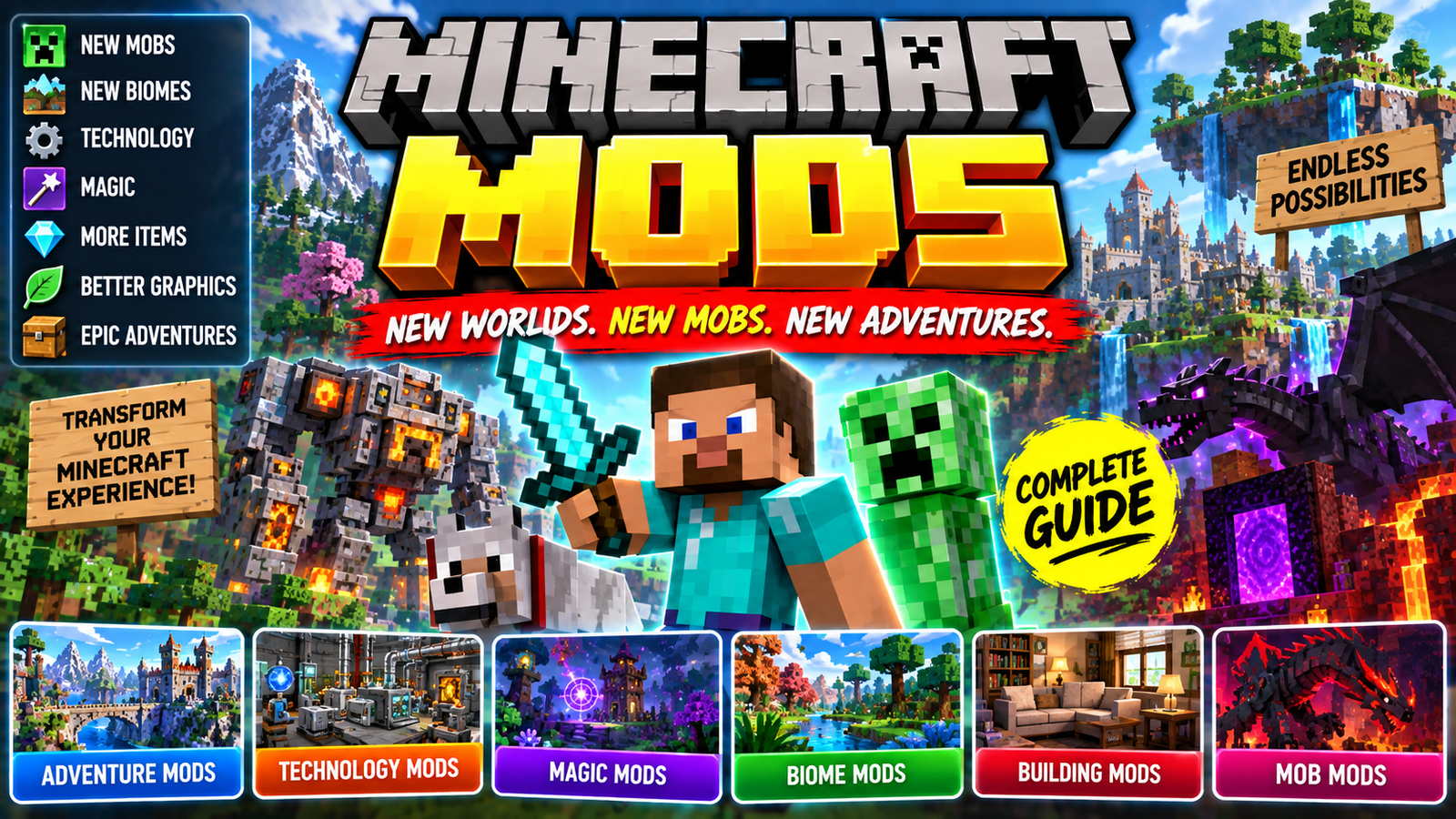
Minecraft mods are one of the biggest reasons the game has remained so customizable for years. Mods can change the way Minecraft looks, add completely new creatures and dimensions, introduce machines and technology, improve performance, or even transform the game into an entirely different experience.
Whether you are a beginner who has just heard about Minecraft mods or an experienced player looking for new ways to play, mods can give you almost unlimited possibilities.
In this guide, we will explain what Minecraft mods are, how they work, the different types of mods available, how to install them, and what you should know before downloading one.
What Are Minecraft Mods?
A Minecraft mod, short for modification, is a piece of software that changes or adds features to Minecraft.
The original Minecraft experience has thousands of blocks, items, creatures, biomes, structures, and gameplay systems. Mods allow developers and community creators to extend those systems.
Depending on the mod, you might be able to:
- Add new mobs
- Create new biomes
- Explore new dimensions
- Build machines
- Add new weapons
- Add magic systems
- Improve graphics
- Change the user interface
- Improve performance
- Add new building blocks
- Introduce new farming systems
- Create completely new gameplay mechanics
Some mods make small changes, while large mod projects can dramatically change the entire game.
Why Do Players Use Minecraft Mods?
Minecraft is already a sandbox game, but mods give players even more freedom.
A player who enjoys exploration might install a mod that adds hundreds of new structures and biomes. Someone interested in technology might choose mods containing machines, power systems, automation, and factories.
Builders may prefer mods that add furniture, decorative blocks, realistic environments, or new construction materials.
This means there is no single type of Minecraft mod that everyone needs. The best mod depends on how you like to play.
Types of Minecraft Mods
There are many different categories of Minecraft mods. Understanding these categories makes it easier to find mods that match your play style.
1. Minecraft Adventure Mods
Adventure mods can add new locations, enemies, structures, quests, dungeons, and exploration mechanics.
These mods are useful for players who feel that they have already explored the normal Minecraft world and want something different.
An adventure-focused mod might introduce a new dungeon deep underground or generate unusual structures throughout the world.
Some larger mod projects can even provide their own progression systems.
2. Minecraft Technology Mods
Technology mods are extremely popular among players who enjoy automation.
These mods can introduce machines, power systems, factories, pipes, storage systems, automated farms, and processing chains.
Instead of manually collecting every resource, players can design automated systems.
For example, a technology-based modpack might allow you to create a system that:
Mine resources → Process materials → Store items → Manufacture components → Automate production
This can turn Minecraft into a complex engineering and automation game.
3. Magic Mods
Magic mods take Minecraft in a completely different direction.
They may add:
- Spells
- Magical weapons
- Rituals
- Enchanted items
- Magical creatures
- New dimensions
- Mana systems
- Special abilities
These mods are popular among players who enjoy fantasy gameplay.
4. Minecraft Mob Mods
Mob mods add new creatures to the Minecraft world.
Some introduce peaceful animals, while others add dangerous monsters or bosses.
A mob mod can make exploration more unpredictable because players may encounter creatures that do not exist in vanilla Minecraft.
Some mods also give new mobs unique abilities, animations, sounds, and drops.
5. Minecraft Biome Mods
Biome mods expand the world’s environments.
A mod can add new forests, deserts, mountains, oceans, caves, islands, or fantasy landscapes.
These mods are especially useful for players who enjoy exploration and building.
A new biome can also provide different resources and structures, giving players another reason to explore beyond their normal base.
6. Minecraft Building Mods
Building mods focus on construction and decoration.
They can provide additional:
- Furniture
- Windows
- Doors
- Decorative blocks
- Roof materials
- Lamps
- Chairs
- Tables
- Building tools
- Construction systems
For creative players, these mods can significantly expand the number of designs they can create.
7. Minecraft Storage Mods
Storage can become a major challenge in long Minecraft worlds.
Storage mods can provide larger containers, searchable inventories, item networks, storage terminals, and automated sorting systems.
Instead of having dozens of chests scattered around a base, players can use advanced storage systems to organize thousands of items.
8. Minecraft Farming Mods
Farming mods can expand Minecraft’s food and agriculture systems.
They may add:
- New crops
- New fruits
- New vegetables
- New trees
- New foods
- Farming machines
- Cooking systems
- New animals
These mods are particularly useful for players who enjoy building large farms and food-production systems.
Minecraft Performance Mods
Not every Minecraft mod adds new content.
Some mods are designed primarily to improve performance.
Performance-focused mods can optimize different parts of the game and may help improve frame rates, loading times, memory usage, or other aspects of gameplay depending on the player’s hardware and Minecraft version.
This is particularly useful for players using large modpacks.
However, installing many optimization mods together without checking compatibility can sometimes create conflicts.
Minecraft Graphics Mods
Some modifications can make Minecraft look dramatically different.
Graphics-related modifications may improve lighting, rendering, particles, animations, water, skies, shadows, and other visual effects.
It is important to distinguish mods, resource packs, and shaders, because they are not exactly the same thing.
A resource pack primarily changes textures and visual assets, while shaders can change lighting and rendering effects. Mods can modify the underlying behavior or systems of the game.
What Are Minecraft Mod Loaders?
A mod loader is software that helps Minecraft load and manage mods.
Two names players commonly encounter are Forge and Fabric.
Different mods are built for different loaders and Minecraft versions.
This means that downloading a mod is not simply a matter of placing any file into the Minecraft mods folder. You need to make sure the mod matches the Minecraft version and loader you are using.
For example:
Minecraft version + Mod loader + Mod version = Compatibility
If one of these does not match, the mod may fail to load or Minecraft may crash.
How to Install Minecraft Mods
The exact installation process depends on the Minecraft edition, version, mod loader, operating system, and individual mod.
For Java Edition, the general process looks like this:
Step 1: Check Your Minecraft Version
First determine which Minecraft version you are using.
A mod created for one Minecraft version may not work with another version.
Step 2: Choose the Required Mod Loader
Check whether the mod requires a particular loader.
The mod’s documentation normally tells you what it requires.
Step 3: Install the Loader
Install the appropriate loader for your Minecraft version.
Follow the loader’s official instructions rather than downloading modified installers from unknown websites.
Step 4: Download the Mod
Download the mod from a reputable source.
Pay attention to:
- Minecraft version
- Mod loader
- Dependencies
- Mod version
- Installation instructions
Step 5: Find the Mods Folder
After setting up the appropriate modded Minecraft profile, place compatible mod files into the game’s mods folder.
Step 6: Launch Minecraft
Start the game using the modded profile.
If everything is compatible, Minecraft should load the installed mods.
If the game crashes, check the error message and verify the mod versions and dependencies.
What Are Minecraft Modpacks?
A Minecraft modpack is a collection of mods configured to work together.
Instead of installing dozens of individual mods manually, players can install a prepared collection.
A large modpack might contain:
- Technology mods
- Magic mods
- World-generation mods
- Mob mods
- Building mods
- Storage mods
- Performance improvements
- Quest systems
- Quality-of-life features
Modpacks can provide a completely different Minecraft experience.
For example, a technology-focused modpack might start with basic resource collection and gradually introduce advanced machines and automation.
Minecraft Mods vs Modpacks
These terms are often confused.
Minecraft Mod
A single modification that changes or adds something to the game.
Minecraft Modpack
A curated collection of multiple mods designed to work together.
For example:
One mod: Adds new animals.
Modpack: Adds animals, technology, magic, new dimensions, quests, structures, storage, and dozens of other features.
Are Minecraft Mods Safe?
Mods should be downloaded carefully.
One of the biggest risks is downloading files from unknown websites.
A malicious download could potentially contain unwanted software or attempt to compromise your computer.
Before installing a mod:
- Use reputable sources.
- Check the download page carefully.
- Read the mod’s documentation.
- Check compatibility.
- Avoid suspicious executable files.
- Keep backups of important worlds.
- Scan unfamiliar files when appropriate.
- Be cautious with unofficial launchers.
You should also avoid downloading a “mod” that unexpectedly asks you to disable important security protections.
Back Up Your Minecraft Worlds
Before installing a large collection of mods, make a backup of your Minecraft worlds.
This is particularly important when adding or removing mods that affect world generation.
A mod can sometimes change how blocks, items, entities, or world data are handled.
Keeping a backup means you have a way to restore your world if something goes wrong.
A simple backup can save hours or even years of Minecraft progress.
Why Do Minecraft Mods Crash?
Minecraft crashes can happen for many reasons.
Common causes include:
Incompatible Minecraft Version
The mod may have been created for a different version.
Wrong Mod Loader
A Fabric mod generally cannot simply be treated as a Forge mod, and vice versa.
Missing Dependency
Some mods require additional libraries or other mods.
Conflicting Mods
Two mods can sometimes modify the same systems in incompatible ways.
Too Many Mods
Large modpacks can require significant system resources.
Outdated Java or Launcher Configuration
Depending on the Minecraft version and launcher setup, an incorrect Java environment can also cause problems.
When troubleshooting, check the crash report rather than randomly removing files.
How Many Minecraft Mods Can You Install?
There is no universal number that works for every computer.
The practical limit depends on:
- Computer hardware
- RAM
- CPU
- GPU
- Minecraft version
- Mod complexity
- Modpack configuration
- World size
- Render distance
A lightweight mod may have very little impact, while a large world-generation or graphics mod can require substantially more resources.
More mods do not necessarily mean a better experience.
Compatibility is often more important than the raw number of installed mods.
Minecraft Mods for Low-End PCs
Players with lower-end computers can still use mods.
The key is choosing lightweight modifications.
Performance-focused mods may help, while extremely demanding shaders, high-resolution textures, and large world-generation mods can increase hardware requirements.
If Minecraft is running slowly, consider reducing:
- Render distance
- Simulation distance
- Shader quality
- Texture resolution
- Entity distance
- Particle effects
It is also useful to test mods individually instead of installing a huge collection at once.
Minecraft Mods for Survival
Survival players have a huge selection of mods.
Mods can make survival easier, harder, or simply more interesting.
For example, a survival-focused setup could add:
- New creatures
- New food
- New structures
- New dimensions
- Better storage
- More difficult enemies
- New crafting systems
- Quests
- Technology
- Farming
- Exploration
The important thing is to choose mods that complement the type of survival experience you want.
Minecraft Mods for Creative Players
Creative players can use mods to dramatically expand their building options.
Decoration mods can introduce hundreds of additional blocks and objects.
Other mods provide advanced building tools that make large construction projects faster.
For someone building a city, for example, furniture, roads, lamps, windows, signs, vehicles, and decorative blocks can make the environment much more detailed.
Minecraft Mods for Multiplayer
Mods can also be used in multiplayer environments, but compatibility becomes especially important.
In many modded multiplayer setups, the server and players need compatible versions of the required mods.
A server owner should carefully check:
- Minecraft version
- Mod loader
- Mod versions
- Required dependencies
- Server compatibility
- Client requirements
Players should follow the server’s installation instructions.
Minecraft Mods for Beginners
If you are installing mods for the first time, start small.
Instead of immediately installing a massive modpack with hundreds of modifications, try a small collection and learn how the system works.
A good beginner process is:
Install loader → Add one or two mods → Launch Minecraft → Test a world → Add more mods gradually
This makes troubleshooting much easier.
If Minecraft stops launching after installing one new mod, you have a strong clue about what caused the problem.
Are Minecraft Mods Available on Every Edition?
Minecraft modding differs between editions.
The Java Edition has historically had a large ecosystem of community-created modifications and mod loaders.
Bedrock Edition uses a different system, with content such as add-ons and other supported customization methods.
Because the technical systems are different, a mod designed for Java Edition should not automatically be expected to work on Bedrock Edition.
Always check which Minecraft edition a download supports.
Minecraft Mods and Updates
Minecraft updates can affect mod compatibility.
When a new Minecraft version is released, some mods may need to be updated before they work correctly.
This is one reason experienced players sometimes keep a modded installation on a specific Minecraft version rather than immediately updating.
If your modded setup works perfectly, updating everything at once can introduce compatibility problems.
Before updating, check whether your essential mods have versions available for the new Minecraft release.
Final Thoughts
Minecraft mods can completely change the way you play the game. Whether you want new mobs, better graphics, advanced machines, magic, new dimensions, improved performance, or more building options, there is a huge variety of modifications available.
The most important thing is compatibility. Always check the Minecraft version, mod loader, dependencies, and installation instructions before adding a mod.
If you are new to modding, start with a small number of trusted mods and keep backups of your worlds. Once you understand how mod loaders, dependencies, and modpacks work, you can experiment with much larger collections.
Minecraft’s biggest strength has always been its creativity, and mods take that idea even further by allowing players and developers to create experiences far beyond the original game.
Frequently Asked Questions About Minecraft Mods
What are Minecraft mods?
Minecraft mods are modifications that add, remove, or change features in Minecraft. They can introduce new items, mobs, biomes, dimensions, machines, gameplay mechanics, graphics features, and more.
Are Minecraft mods free?
Many community-created Minecraft mods are available free of charge, although individual projects can have different licensing, donation, or distribution arrangements.
How do I install Minecraft mods?
For Java Edition, installation generally involves choosing a compatible mod loader, downloading mods that match your Minecraft version, placing them in the appropriate mods folder, and launching Minecraft with the correct profile.
What is Forge in Minecraft?
Forge is a modding platform and loader used by many Minecraft Java Edition mods. Mods must be compatible with the particular Minecraft and Forge versions being used.
What is Fabric in Minecraft?
Fabric is another modding platform and loader for Minecraft Java Edition. Many mods are specifically developed for Fabric.
Can Minecraft mods add new mobs?
Yes. Many mods add new animals, monsters, bosses, NPCs, and other creatures.
Can mods add new dimensions?
Yes. Some Minecraft mods introduce entirely new dimensions with their own environments, resources, structures, and creatures.
Are Minecraft mods safe?
Mods from reputable sources are generally safer than files downloaded from random websites, but no download should be treated as automatically safe. Always verify the source and keep backups.
Can mods work on multiplayer servers?
Yes, depending on the mod and server setup. Some mods require both the server and players to have compatible installations, while others may be server-side or client-side depending on their functionality.
Can Minecraft mods improve FPS?
Some mods are specifically designed to improve performance, although results depend on the player’s hardware, Minecraft version, and other installed modifications.
