

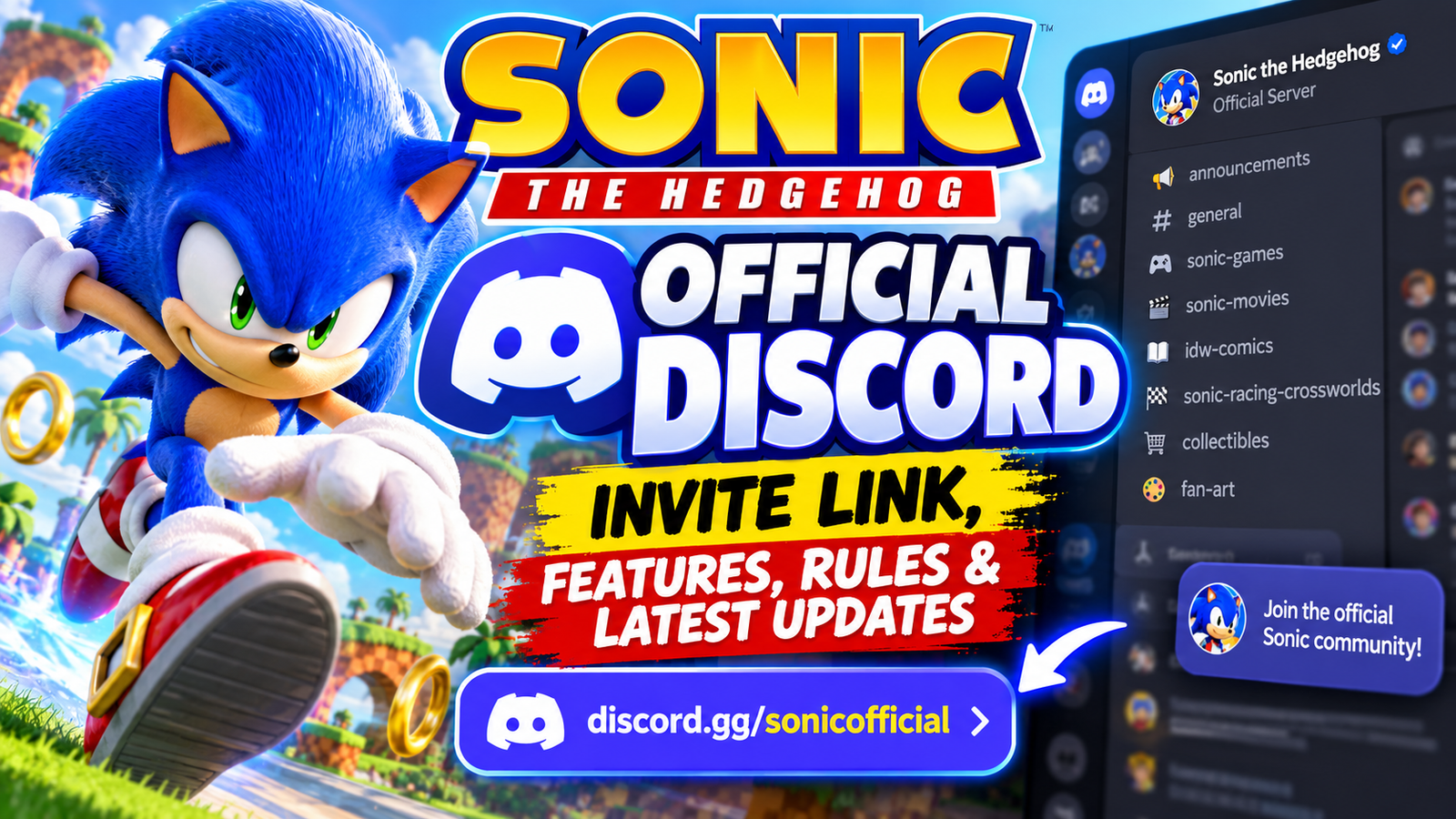
So SEGA finally did it. On October 5, 2026, the official Sonic the Hedgehog Discord server went live, and Sonic fans did what Sonic fans do best — they showed up in massive numbers. According to Siliconera, the server crossed 60,000 members in less than 24 hours. That’s not just impressive, it’s kind of insane when you think about it. A Discord server for a blue hedgehog pulling that kind of crowd? Yeah, Sonic’s fanbase is still built different.
But with that kind of rush, things got messy. Reports from October 6 said moderators had to step in pretty quickly. Some channels got restricted, slow mode was turned on in general chat, and a lot of people who joined expecting to chat freely found themselves locked out of posting. So if you’re trying to join and wondering why you can’t send messages everywhere, you’re not alone. This whole thing is still settling down.
If you want the invite link, want to know what channels are inside, or you’re just trying to figure out why some chats are restricted, here’s a proper breakdown.
Official Sonic the Hedgehog Discord Invite Link
This is the invite that’s been shared publicly:
https://discord.gg/sonicofficial
That’s the one you want to use. But keep in mind, Discord invites can expire, get paused, or hit capacity. If it doesn’t work for you, don’t immediately assume the server is gone. Check the official Sonic website or SEGA’s verified social media accounts for an updated link.
And seriously, be careful with random links you find in YouTube comments, TikTok replies, or DMs. Unofficial servers love to copy official names, logos, and descriptions. Just because something says “Sonic Official” doesn’t mean SEGA is running it.
You’ll need a Discord account to join. Depending on the server’s current settings, you might also have to complete verification, accept the rules, or wait before you get permission to post. That’s pretty standard for big servers, especially ones that grow this fast.
What Is the Official Sonic Discord Server?
It’s a community space for Sonic the Hedgehog fans, officially connected to SEGA. The idea is to give fans one place to talk about games, movies, comics, merchandise, and everything else in the Sonic universe.
This isn’t a server for just one game. It covers the whole franchise. That includes:
- Sonic video games and gameplay discussions
- Sonic movies and other screen adaptations
- Sonic comic books, including IDW publications
- Sonic Racing: CrossWorlds
- Collectibles and merchandise
- General conversations with other fans
That’s actually a smart move. For years, Sonic fans have been spread out across Reddit, Twitter, YouTube, Discord, and a dozen other places. Bringing them into one official space makes it easier to find people who care about the same stuff you do. Someone who mainly plays the classic games can end up talking to someone who’s obsessed with the movies or the IDW comics. That crossover is part of what makes the Sonic fandom fun.
That said, not every channel is open all the time. Permissions can change, and moderators can adjust things depending on what’s happening. So don’t treat the launch setup as permanent.
Why Did SEGA Launch an Official Sonic Discord?
Sonic is way bigger than just video games now. There are movies, TV shows, comics, toys, clothes, and a fanbase that spans multiple generations. A dedicated Discord server gives SEGA a direct way to bring all those audiences together.
It also gives fans a better way to organize conversations. Instead of scrolling through random posts on social media, you can jump into a channel that’s actually about the thing you want to talk about. If you’re into Sonic Racing: CrossWorlds, you can go straight to racing talk. If you’re into IDW comics, there’s a place for that too.
Another benefit? It makes it easier to tell official news from rumors. But here’s the catch — just because it’s an official server doesn’t mean every message inside it is an official announcement. Regular members are still regular members. If you see big news, verify it through SEGA’s official channels before you believe it.
Official Sonic Discord Channels and Features
At launch, the server had several topic-based areas. Early reporting described channels for general discussion, games, movies, IDW comics, off-topic conversations, Sonic Racing: CrossWorlds, and collectibles. There were also onboarding options where you could pick interests, notification preferences, and language settings.
Let’s go through the main ones.
1. General Discussion
This is where you talk about anything Sonic-related that doesn’t fit somewhere else. Favorite characters, old memories, weird theories, hot takes — as long as it follows the rules, it’s fair game.
2. Sonic Games
The gaming section is for discussing Sonic titles, gameplay, characters, and experiences across the series. You can compare old releases, talk about mechanics, or just rant about that one level that still haunts you.
3. Sonic Movies
This area is for the film side of the franchise. Talk about characters, performances, favorite scenes, and what you want to see next. Just try not to treat every fan theory as a confirmed sequel plot.
4. IDW Sonic Comics
The comics have their own characters, storylines, and fan discussions. This channel gives readers a place to talk about IDW’s Sonic publications. If you’re discussing recent issues, be mindful of spoilers.
5. Sonic Racing: CrossWorlds
Racing fans got their own space too. You can talk about the game, share gameplay experiences, and connect with other players. But don’t assume SEGA developers are going to reply to every question. They probably won’t.
6. Sonic Collectibles and Merchandise
Sonic merch is a big part of the fandom. This area is for discussing collectibles, figures, plushies, and other items. Just be careful with trades and payments from strangers. Scammers love fandom spaces.
7. Notifications and Language Preferences
Early reporting mentioned onboarding options that let members select interests, notification preferences, and language information. These settings help you tailor the experience so you’re not drowning in pings about stuff you don’t care about.
Why Is the Official Sonic Discord Restricting Messages?
This has been the biggest story around the launch. The server grew fast — really fast — and with that came the usual problems. Reports from October 6 described inappropriate content, racist comments, and spam showing up in some channels.
According to Nintendo Wire, moderators responded by restricting access to several chat channels and enabling slow mode in general chat.
Slow mode limits how often you can send messages. Channel restrictions can stop people from posting while mods review the situation or adjust permissions. It’s annoying if you just wanted to chat, but it’s also a pretty normal response when a server gets flooded.
The changes frustrated some users who joined expecting open discussions right away. But permissions can change. Just because a channel was restricted yesterday doesn’t mean it’s still restricted today. Check the server itself for the latest info.
Can You Still Join the Sonic Discord?
Yes, usually. But joining and posting are two different things.
You might get into the server and still not be able to send messages in every channel. That can depend on verification, roles, rules you haven’t accepted, or moderation settings.
If you can join but can’t post, try these steps:
- Complete any CAPTCHA or verification process Discord asks for.
- Read and accept the server rules if prompted.
- Check whether you need to select interests or assign yourself a role.
- Look for channels that are currently open to new members.
- Review any announcements about temporary restrictions or moderation changes.
And please, don’t spam the same message to test if a channel works. That’s a quick way to get flagged by bots or muted by mods. If you think your account was restricted by mistake, use the server’s appeal or support process if one is available.
Does the Official Sonic Discord Have a Fan Art Channel?
Fan art is a huge part of the Sonic community. Fans create drawings, character designs, animations, and all kinds of creative projects. Early coverage said the server planned to add a fan art channel.
But reporting on October 6 also noted that image posting was restricted at that time. So don’t assume you can upload artwork right away just because the server is for Sonic fans.
The reported rules also emphasized human-made creative work and prohibited AI-generated art and other AI content. If you’re planning to share something, read the current rules carefully before posting.
Official Sonic Discord Rules: What Members Should Know
Every big server has rules, and this one is no different. The exact rules can change, but here’s the short version of what to keep in mind:
Respect other members. Harassment, racist comments, and targeted abuse can make the community unsafe and will likely lead to moderation action.
Avoid spam. Repeated messages, unsolicited advertising, and channel flooding can get you restricted.
Follow content guidelines. Check the rules before posting images, videos, fan creations, or links.
Protect your personal information. Never share passwords, verification codes, financial details, or sensitive personal info with strangers.
Be careful with unofficial announcements. A message from an ordinary member is not an official SEGA statement.
Don’t evade moderation. Creating alt accounts to bypass a restriction will usually make things worse.
Because the server had moderation problems right after launch, reading the current rules is extra important for new members.
Is the Sonic Discord Really Official?
Yes. SEGA announced the Sonic the Hedgehog Discord through the franchise’s official communication channels. But fans should still be careful when searching for invites. Unofficial servers can imitate the appearance of an official community.
To verify the server, start with the official Sonic website:
Follow links from there or from recognized Sonic and SEGA accounts. Discord’s own server discovery tools can help, but the most reliable approach is to use a link published by an official source.
And never give your SEGA account password or other sensitive credentials to someone claiming to be a server administrator. Genuine moderation or verification procedures should not require you to share your password in a private message.
What Does the Sonic Discord Mean for Fans?
The launch gives Sonic fans another place to gather around a franchise that’s been going strong for decades. A well-managed official Discord could make it easier for players, comic readers, movie fans, and collectors to connect.
It could also lead to more organized discussions around individual games and upcoming projects. But the early moderation issues show how hard it is to manage a huge online community, especially when thousands of people arrive in a short time.
For the server to become a useful long-term home for fans, clear rules, effective moderation, and reliable communication will be important. It’s still early, so we’ll have to see how the channel structure and access policies evolve.
Frequently Asked Questions
What is the official Sonic the Hedgehog Discord invite link?
The publicly shared invitation is https://discord.gg/sonicofficial. If it’s unavailable, check SEGA’s official Sonic website or verified social accounts for an updated link.
When did the official Sonic Discord launch?
SEGA announced the server on October 5, 2026.
How many members joined the Sonic Discord?
Siliconera reported that the server passed 60,000 members in less than 24 hours after launch. Membership numbers can change quickly.
Why can’t I send messages in the Sonic Discord?
Some channels were reportedly restricted after moderation problems during the launch. Your account may also need verification or the correct permissions.
Is the Sonic Discord free to join?
Discord communities can generally be joined without a separate server membership fee, although you need a Discord account and must follow the server’s entry requirements. Check the official invitation for current access conditions.
Does the server include Sonic Racing: CrossWorlds channels?
Yes. Early coverage described dedicated channels for Sonic Racing: CrossWorlds.
Can I post Sonic fan art?
The server’s rules and posting permissions determine whether fan art can be shared. Early reports indicated that image posting was restricted and that a fan art channel was planned.
Is the Sonic Discord safe?
Use standard online safety practices. Follow the rules, avoid suspicious links, and never share passwords or sensitive account information with strangers. The server’s moderation arrangements may continue to evolve.
Where can I find official Sonic announcements?
Start with the official Sonic website at https://asia.sega.com/SonicTheHedgehog/en/ and follow links to SEGA’s recognized social media accounts.
Final Thoughts
The official Sonic the Hedgehog Discord has given fans a new place to connect, discuss games, talk about movies and comics, and share their enthusiasm for the franchise.
Its launch on October 5, 2026, attracted a huge amount of attention, but the rapid growth also brought moderation challenges. Restrictions reported the following day mean that joining the server may not automatically give you access to every discussion channel.
If you plan to join, use the publicly shared invitation, complete the required verification steps, and read the rules before posting. The server’s next chapter will depend on how SEGA and its moderators manage the growing community.
For fans, the smartest approach is to check official announcements for changes to access, channels, and posting permissions rather than relying on outdated information.
This article reflects publicly reported information available as of October 7, 2026. Server features and access policies may change.
